The 3D view of the product
PrintBlob Pro adds a 3D button to the designer that turns the product into a garment on its hanger, with the customer's design printed on the front and the back, following the folds of the fabric. It is built from the mockup's own front and back photos, so there are no 3D models to make. Its code loads only when a customer presses 3D.
PrintBlob Pro
Published , updated , by the PrintBlob team.
Free or Pro?
- Pro A 3D view of the product, made from its own photos.
What does the customer see?
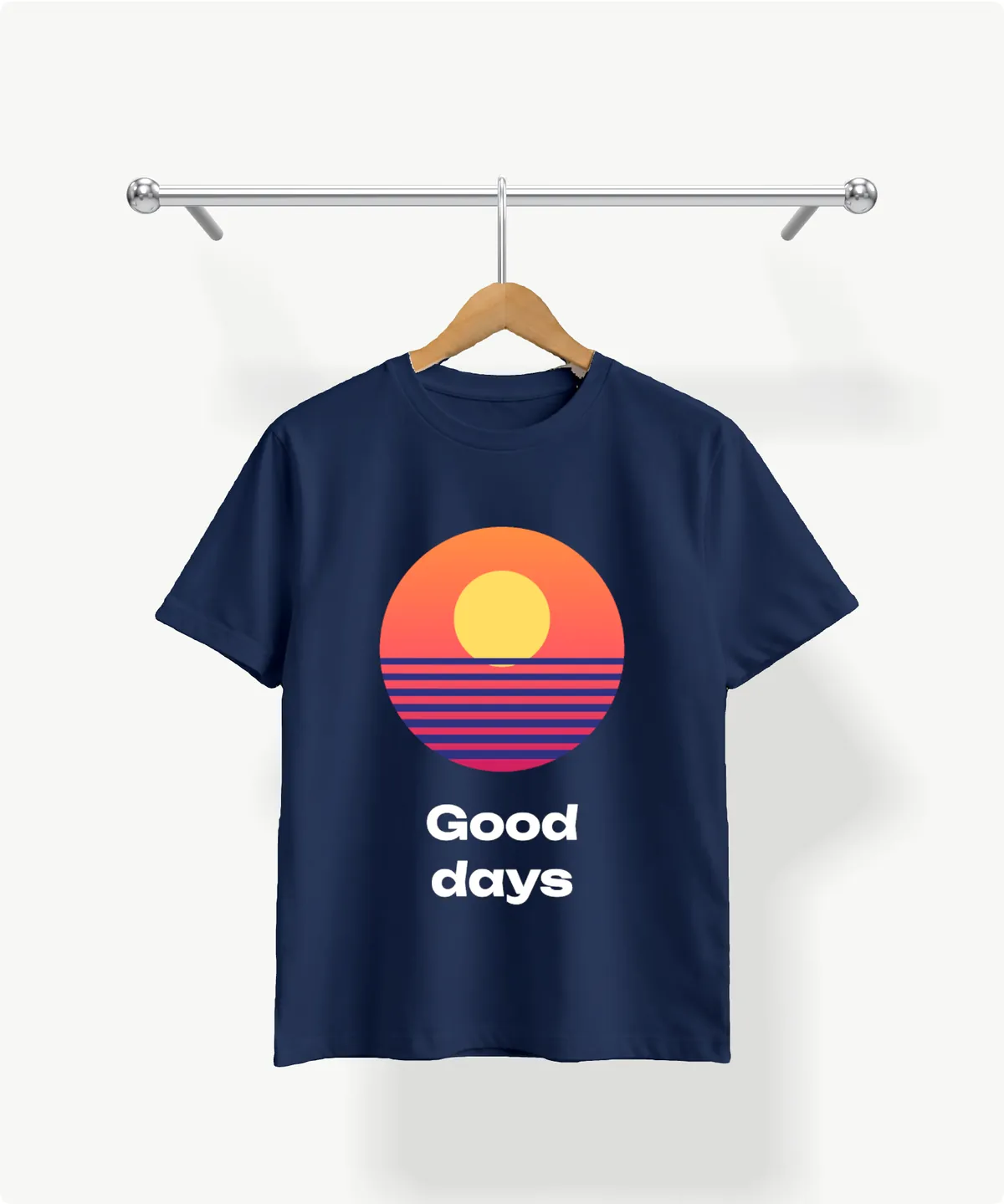
A 3D button beside Front and Back. Pressed, the product becomes a garment hanging on its hanger with the design printed on it, front and back, bending with the fabric. The customer drags to turn it, Front and Back turn it round, and a colour chosen applies straight away.
How is it made from photos?
There are no 3D models: the 3D view builds the garment from the mockup’s front and back photos. Its outline comes from the photos’ transparent background, its depth from how far each point is from the edge, and its look from the photos themselves; the design is printed on it by the graphics processor. For the bundled t-shirt PrintBlob Pro knows where the garment is open, at the sleeves, the hem and the neck, and shows the inside there. The guide how a 3D product is made from photos explains the whole method.
Who is it for?
Shops whose customers hesitate over how a print will look on the real garment, front and back together: event and team shirts with a print on each side, merch with large artwork. It answers “how will it look on me?” without a photo shoot of every design.
What are the limits?
It needs a mockup with both a front and a back photo, taken the same way. On mockups of your own products the edges are treated as seams, since PrintBlob Pro knows the openings only of the bundled t-shirt. It shows the garment on its hanger, not on a person, and it sends nothing to any outside service.
How do I give a product the 3D view?
- Activate PrintBlob Pro. The 3D view is on by default, under WooCommerce › Settings › PrintBlob › 3D view.
- Use a mockup with a front and a back photo. The bundled t-shirt has both. A mockup with only one side shows no 3D button.
- Photograph the back as the front. Same distance, same framing, same hanger, on a transparent background: the 3D view lines the back up as the front's mirror image.
- Open the product. Customers press 3D beside Front and Back, drag to turn the garment, and press 3D again to go back to editing.
Try it in the live demo
The 3D view. The designer opens on PrintBlob Pro’s 3D view: the shirt on its hanger, built from its front and back photos, with the design printed on it. It needs a graphics processor; where the browser would draw it in software, the 3D button is not shown.
Set it up
- 3D preview
With PrintBlob Pro, customers turn the product in 3D in the designer and see their design on the front and the back, made from the mockup's own front and back photos. What it needs, how to turn it off, and how it loads.
- Mockups
A mockup is a product photo for each printable side, with its print area and the real print size in centimetres. PrintBlob Pro makes every order's print files at that size: a 300 DPI PNG, a vector PDF and an SVG.
Questions
Do I need a 3D model of my product?
No. The garment is built from the mockup's photos: its outline from their transparent background, its thickness from how far each point is from the edge, and its look from the photos themselves.
Does it slow the product page down?
No. The 3D code, about 150 KB compressed, downloads only when a customer presses 3D, and it draws nothing while it is scrolled out of view.
What about phones without a graphics processor?
It needs WebGL 2 on a graphics processor, which every current phone and computer has. Where a browser would draw it in software, the 3D button is not shown and the designer works as before.
Get PrintBlob Pro
Pro adds print-ready files, back printing, a 3D view and a production print queue to the free designer. Paid with Stripe in US dollars, no tax added; one domain per licence.
$69 a year
Full refund within 14 days
Limited-time offer until 31 December 2026
$99 once
Full refund within 14 days
Try it on your own shop
PrintBlob is free in the WordPress.org plugin directory: install it, turn the designer on for a product and take a design order. PrintBlob Pro is $69 a year or $99 once (limited-time offer until 31 December 2026), with a full refund within 14 days.