WooCommerce product designer Customers design it. You print it.

PrintBlob is a product designer for WooCommerce. Shoppers place photos, logos and text on your real product photos, front and back, in any colour you sell. Every order arrives with a print-ready file at 300 DPI.

The designer is free. PrintBlob Pro adds sleeves, a print queue and your own fonts.

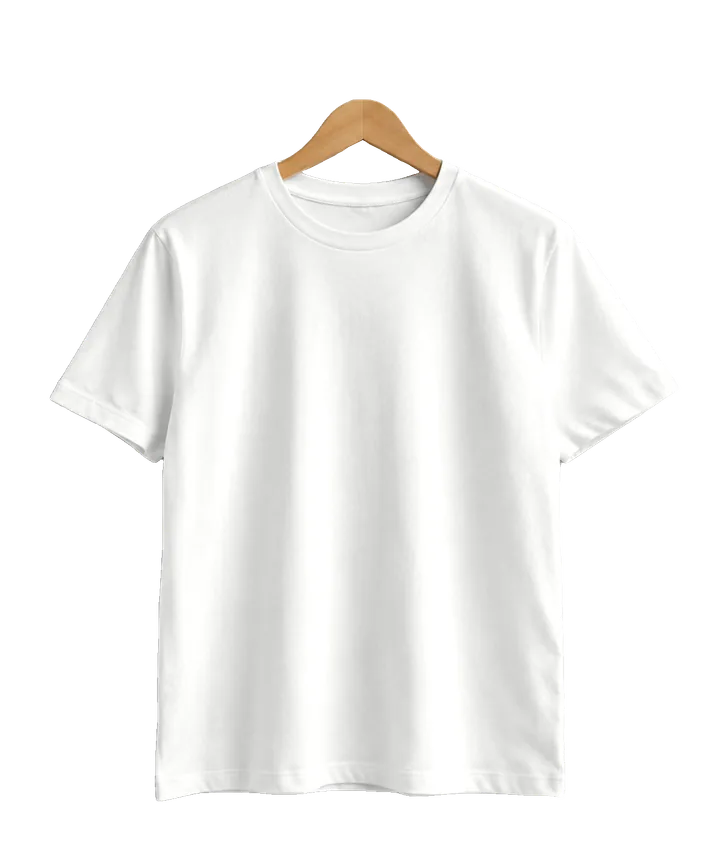
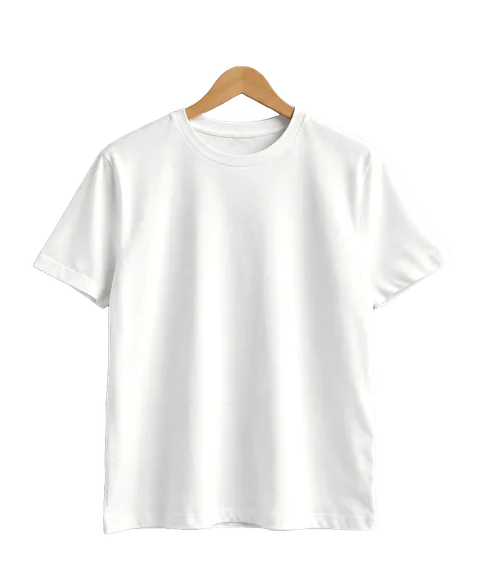
A white t-shirt on a hanger: the product photo customers design on
Front print file, made on Add to cart3307 × 4252 px at 300 DPI

Try the real designer

This is PrintBlob's designer, running the plugin's own code. Upload an image, add text, pick a colour and size, then press Add to cart: instead of a cart, you get the print file your shop would receive.

The PrintBlob designer: a t-shirt with a sunset print and the text Good days, with font, ink colour, shirt colour and size controls.

About 146 KB to download.

New in PrintBlob 1.1

See it from every side

A 3D preview made from the front and back photos you already use: no 3D models to make. Customers turn the shirt on its hanger, print on both sides and see the design follow the folds of the fabric.

A white t-shirt on a hanger

About 462 KB to download.

Drag the shirt to turn it · drag the print to move it · scroll over it to resize

Colour
Image on the front

Or drop one on the shirt. It stays in your browser.

Your products on a rail

Show a collection the way a shop does. Point at a shirt and it turns to face you; open it to turn it round, then browse the rest.

In the free plugin from version 1.1: the designer's 3D button (try it in the live designer). This page runs the plugin's own 3D code in your browser, on the t-shirt photos the plugin ships with. How the 3D preview works

From an idea to a file you can print

What your customer does in the shop, and what you find in the order.

  1. They upload a photo or logo

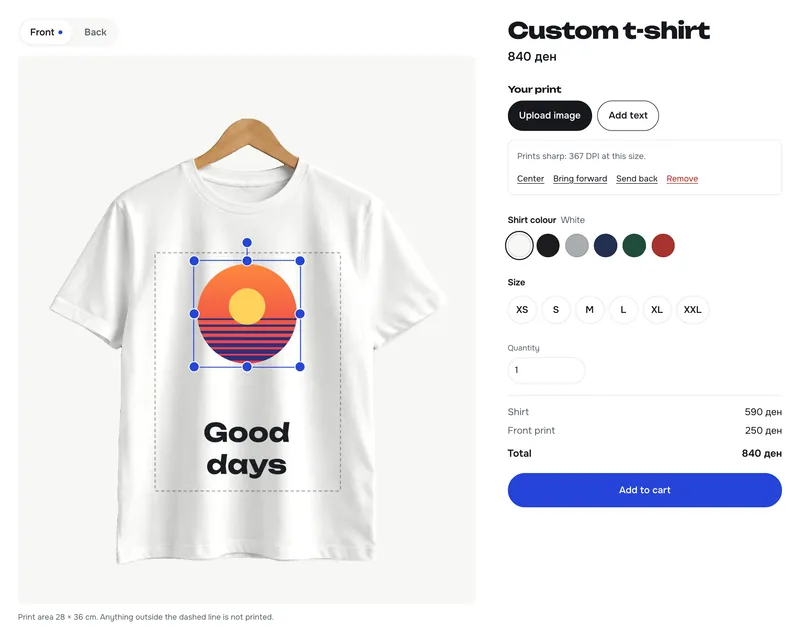
    PNG, JPG or WebP, onto your own product photo. PrintBlob works out how sharp it will print at its size and warns before a blurry print gets ordered.

    The designer showing an uploaded image with the note: Prints sharp: 367 DPI at this size.
  2. They place it and add text

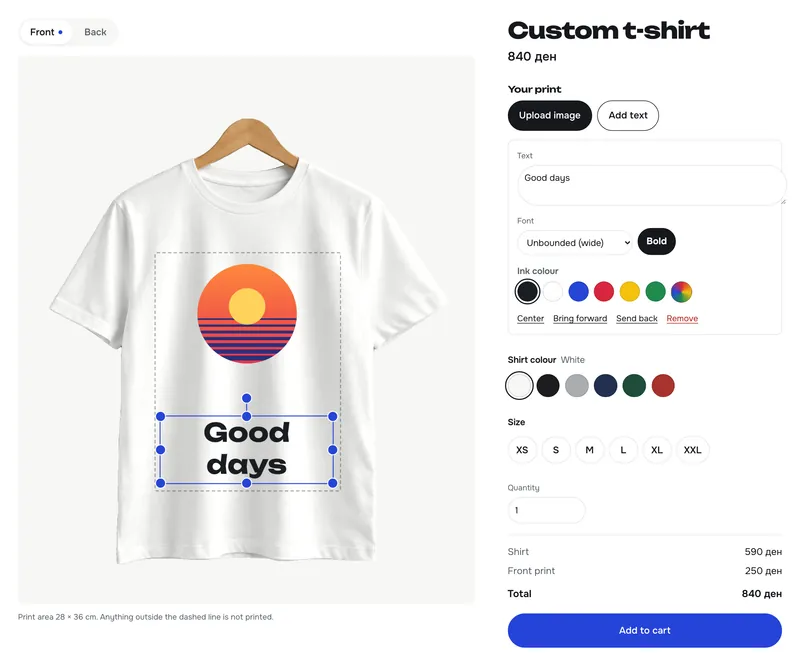
    Drag, resize and rotate with handles, on the front and the back. Text comes in the fonts you offer, with ink colours that stay readable on the shirt.

    Text selected in the designer with resize and rotate handles.
  3. They choose colour and size

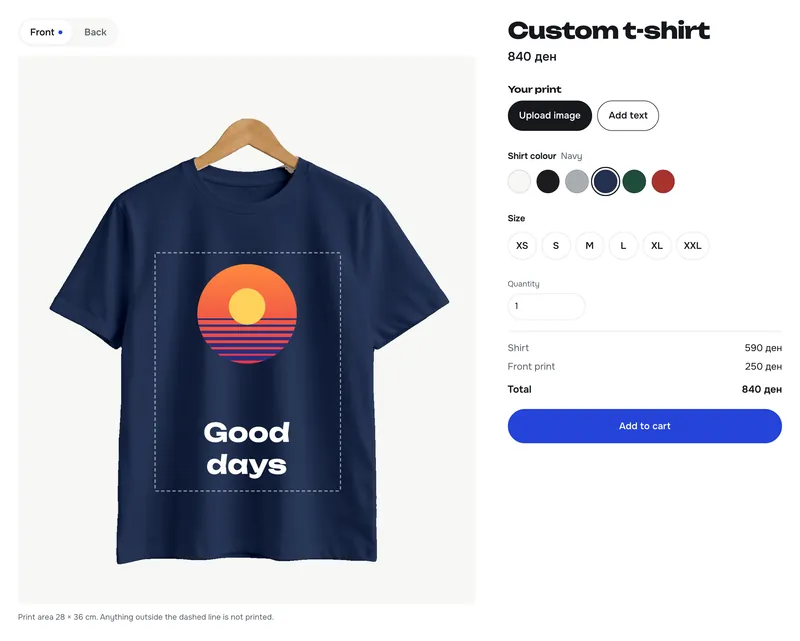
    The photo changes to the colour they pick, folds and shading included. The price adds each printed side as they go.

    The designer with a navy shirt; the text has switched to white ink automatically.
  4. Add to cart renders the print file

    The browser draws every printed side as a transparent PNG at the exact print size: 28 × 36 cm at 300 DPI is 3307 × 4252 pixels.

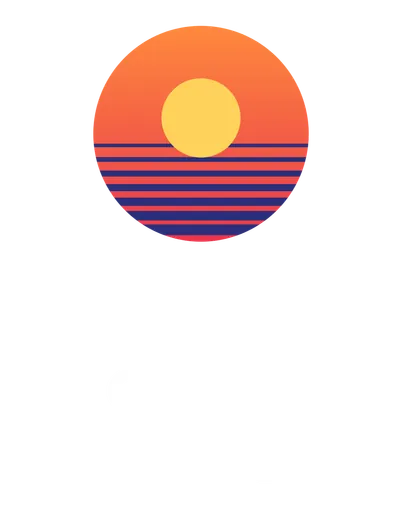
    The exported print file: the sunset and Good days on a transparent background.
  5. You open the order and download it

    Each designed item shows a preview per side and its print file. Files are kept out of public reach, for your shop only.

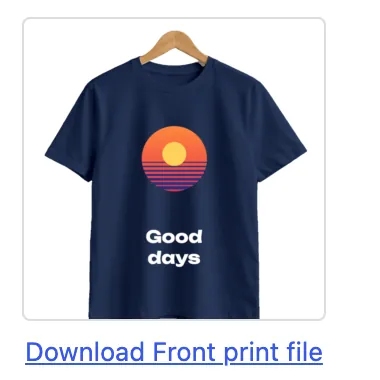
    A WooCommerce order item with the design preview and a Download Front print file link.

What you set up, once

Everything lives in WooCommerce. No design service, no external storage: designs and print files stay on your own site.

Mockups: your photo, your print area

Under Products › Mockups, choose a photo for each side, drag the blue box over the area that can be printed and enter the real print size in centimetres. A t-shirt mockup is ready the moment you activate the plugin.

Mockups and print areas guide

One white photo, every colour

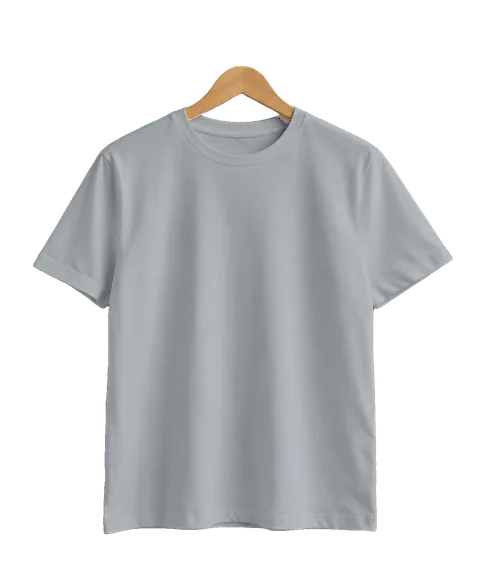
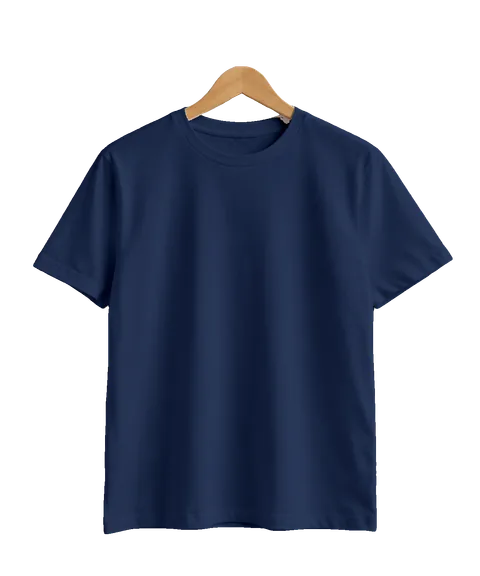
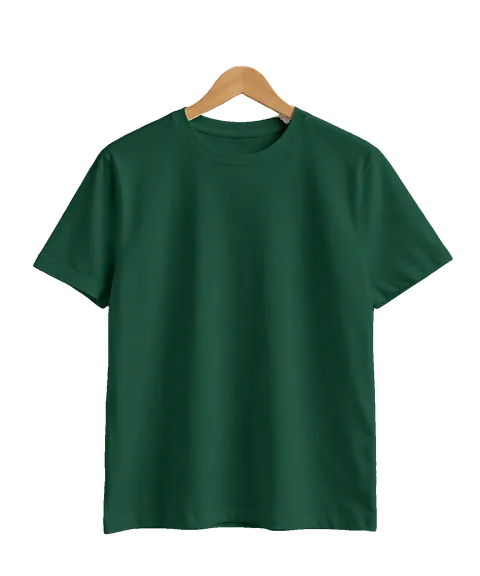
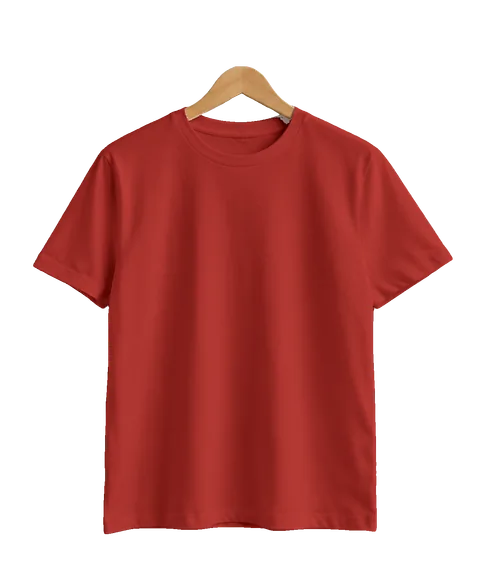
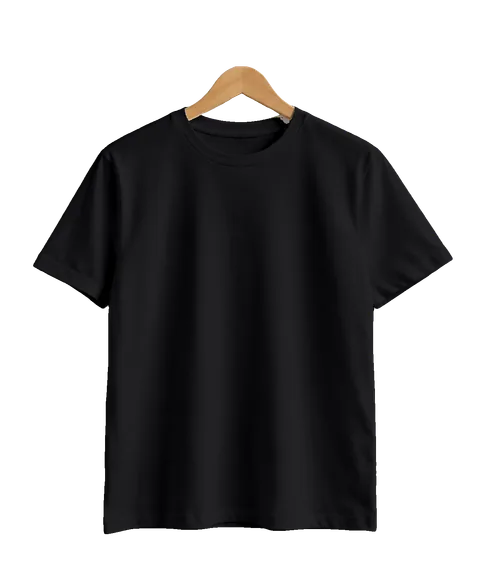
Photograph the product once in white. PrintBlob recolours it to each colour of your colour attribute, keeping the folds and shading. These six shirts are one photo, recoloured by the plugin's own code.

Colours and recolouring guide

  • White
  • Heather grey
  • Navy
  • Bottle green
  • Brick red
  • Black

A tab on each product

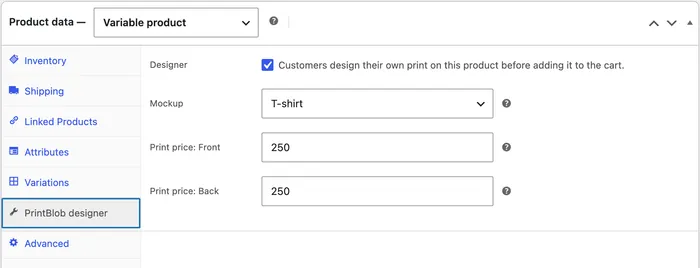
Turn the designer on per product, choose its mockup and set what a printed front or back adds to the price. Variable products keep their sizes and stock.

Products guide

The product's PrintBlob designer tab with Designer, Mockup, Print price: Front and Print price: Back.
  • Blocks for any block theme. The designer and Colours blocks take your theme's colours, fonts and corner radius (theme integration).
  • WooCommerce as it is. Block cart and checkout, order emails, High-Performance Order Storage.
  • Translated. Translation-ready, with Macedonian, Albanian and Turkish included (translations).

Free, or Pro for production

The designer is free and complete. PrintBlob Pro is an add-on for shops that print every day.

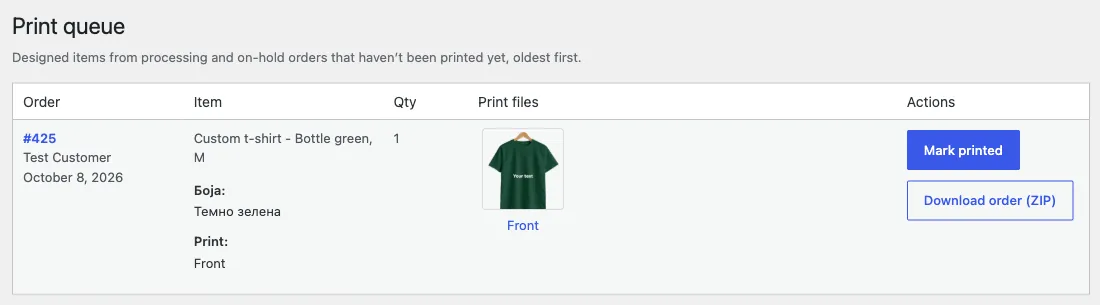
WooCommerce › Print queue in PrintBlob Pro: a designed order item with its print file, a Mark printed button and Download order (ZIP).
WooCommerce › Print queue in PrintBlob Pro.
  • Print queue

    Every designed item from processing and on-hold orders that hasn't been printed yet, oldest first. Mark items printed, or download all print files of an order as one ZIP with a print list.

  • Sleeves

    Left and right sleeves become printable sides, each with its own photo, print area, print size and price.

  • Your own fonts

    Install fonts in WordPress's Font Library and choose which ones customers can use. Print files use the same font files.

  • How Pro's features work

PrintBlob

$0

The full product designer for WooCommerce, free and open source (GPL). PrintBlob will also be available from the WordPress.org plugin directory; for now, download it here.

Download PrintBlob 1.1.0 (0.8 MB)Installation guide

PrintBlob Pro

Lifetime licence

$79once

  • Lifetime updates
  • 1 site
  • Priority support
  • Sleeve printing, print queue, your own fonts

Yearly: $49 a year

Pro updates and priority support for a year. Renews automatically; cancel any time. If it ends, Pro keeps working without updates.

Prices in US dollars; no sales tax or VAT is added. Payment by Stripe. 14-day full refund, no questions asked (refund policy). Pro needs the free PrintBlob plugin.

Compare Free and Pro feature by feature, and read the billing questions

Questions

What happens when a yearly licence ends?

PrintBlob Pro keeps working on your site. Updates and priority support stop until you renew. Yearly licences renew automatically unless you cancel in your account.

On how many sites can I use a licence?

One site per licence. To move it, remove it from the old site (WooCommerce › Settings › PrintBlob › Licence) or from your account on printblob.com, then activate it on the new one.

Can I get a refund?

Yes. Within 14 days of your first purchase, or of a yearly renewal, you get a full refund, no questions asked. Email support@printblob.com. Refunding deactivates that licence key.

Is tax added to the price?

Prices are in US dollars and we don’t add sales tax or VAT. If the checkout page shows your local currency, you’re charged that amount, as shown.

How do I get my licence key after paying?

It appears on the page Stripe sends you back to, it is printed on your Stripe invoice, and it is always in your account on printblob.com. There you can also save a passkey to sign in later.

Is the free plugin limited?

No. The free plugin is the whole designer: front and back printing, mockups, recolouring, the Colours block and 300 DPI print files on orders. Pro adds sleeves, the print queue, your own fonts, automatic updates and priority support.

Can I try it in my own shop first?

Yes. The free plugin is the complete designer, so you can install it, set up a product and try it in your own WooCommerce shop before you decide on Pro.

What do I need to run it?

WordPress 7.0, WooCommerce 10.0 and PHP 7.4 or newer. The blocks work in any block theme; the designer also shows on the product page of designer products.

What can I sell besides t-shirts?

Any product with a flat print area and a photo: set up a mockup with a photo per side and the print area in centimetres. Recolouring works best with a photo of a white or light grey product. The print area is a flat rectangle on the photo, so prints that wrap around a curved surface aren’t previewed.

What kind of print files do I get?

For each printed side, a transparent PNG at the exact print size set on the mockup, at 300 DPI: 28 × 36 cm becomes 3307 × 4252 pixels. That is a common starting point for DTF, DTG and transfer printing.

Can customers upload SVG or PDF files?

Not at the moment. Customers upload PNG, JPG or WebP images, up to the size you set (20 MB by default), and are warned when an image is too small to print sharply.

Does PrintBlob send orders to Printful or Printify?

No. PrintBlob attaches the print files to each WooCommerce order; you print them yourself or pass them to your printer. It doesn’t connect to print-on-demand services.

Where are customers’ images and print files stored?

On your own site. Previews go to the media library and print files to a protected folder that only shop managers can download from. PrintBlob sends nothing to outside services. Designs that never become an order are deleted after the number of days you choose.

Will it slow down my shop?

The designer’s script and styles load only on pages that show the designer. Other pages of your shop don’t load them.

Can the designer match my shop’s look?

It uses your theme’s colours and fonts. Set the corner radius in theme.json (settings.custom.printblob.radius) or override the --printblob-* CSS custom properties.

Can customers see their design in 3D?

Yes, from PrintBlob 1.1. The designer’s 3D button turns the product into a garment on a hanger, made from your mockup’s front and back photos, with the customer’s design on both sides. No 3D models are needed, and its code only loads when a customer opens it.