The designer above, on this t-shirt
The plugin’s own code, running in your browser: nothing to install, and nothing is ordered.
What PrintBlob makes when a customer adds a design to the cart (the front’s in the free plugin, every other side’s with PrintBlob Pro): a transparent PNG of each printed side at 300 DPI, exactly the print area’s size (3307 × 4252 pixels for the front), and the preview the cart and the order show; in a shop it also makes a vector PDF and an SVG of each printed side. In the demo the PNG and the preview open in a window to download, marked “printblob.com” in a corner; a shop’s own files carry no mark.
Loading the designer…
Print area 28 × 36 cm. Anything outside the dashed line is not printed.Print area 28 × 36 cm.
$24.00
Upload an image or add text to start.
About 186 KB to download.
The plugin’s own code, running in your browser: nothing to install, and nothing is ordered.
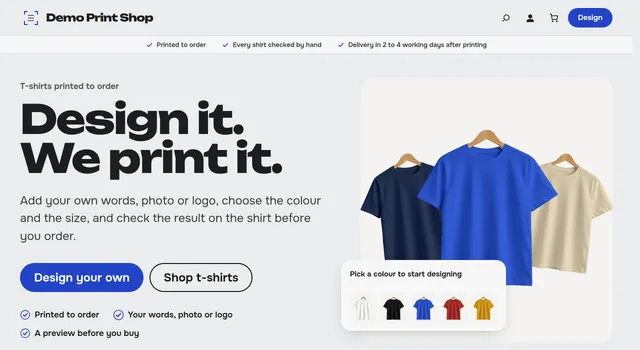
Your own copy of a ready t-shirt shop on InstaWP, with WooCommerce, PrintBlob and the free t-shirt shop theme, signed in and free for 4 hours. InstaWP asks for your email, and the shop’s Make it yours button keeps it in an InstaWP account of your own, on an InstaWP plan you choose.
This is PrintBlob's designer, running the plugin's own code on the t-shirt it comes with. The front is free; printing on the back and the 3D button are PrintBlob Pro. Upload an image, add text, pick a colour and size, then press Add to cart: instead of a cart, you get the print files your shop would receive.
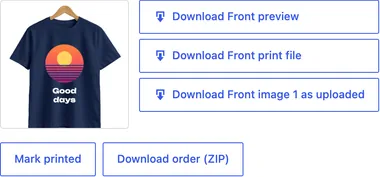
The free plugin’s own t-shirt, printed on the front.
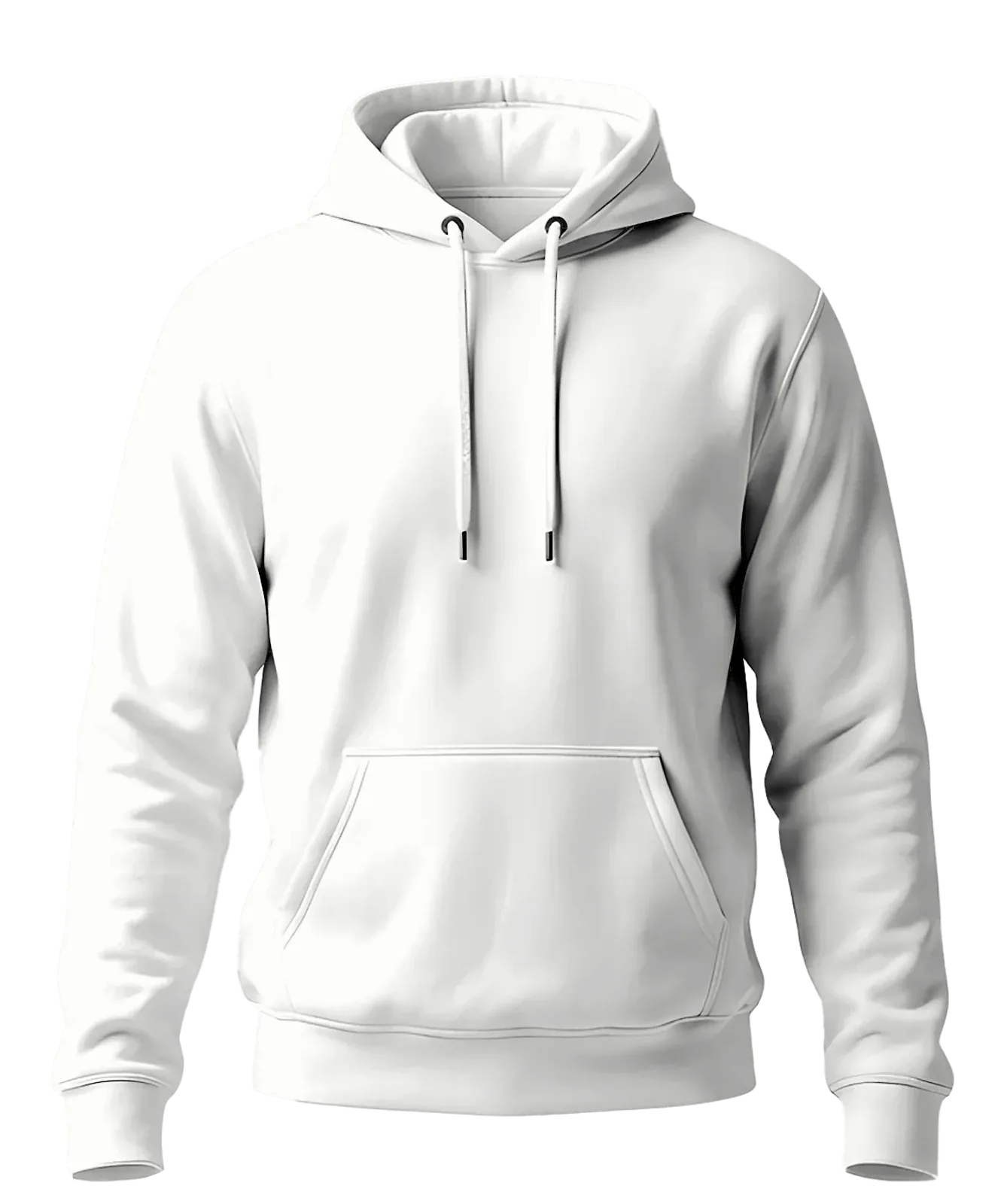
The front and the back of a hoodie, in every colour.
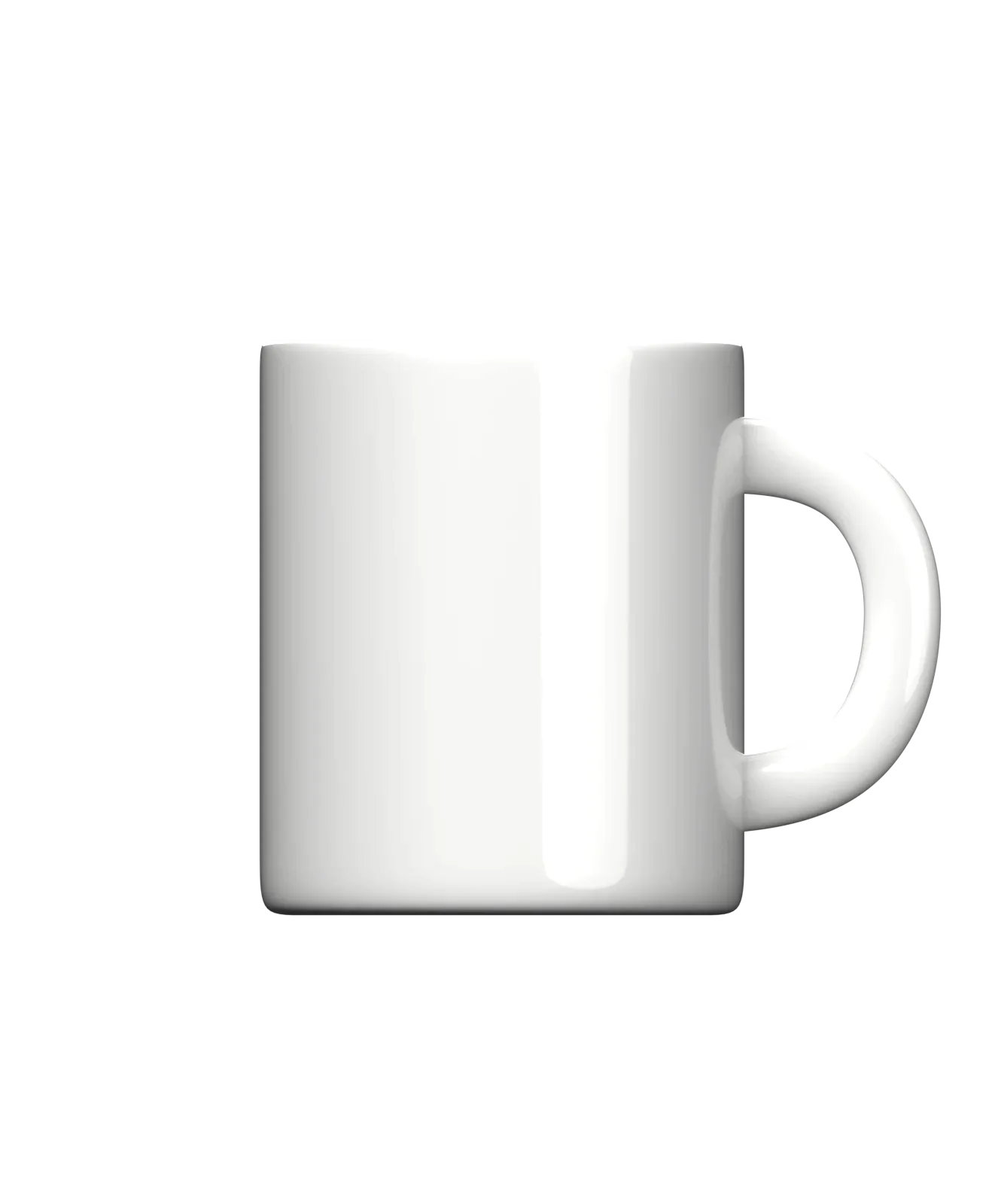
A photo or a name on each side of the handle.
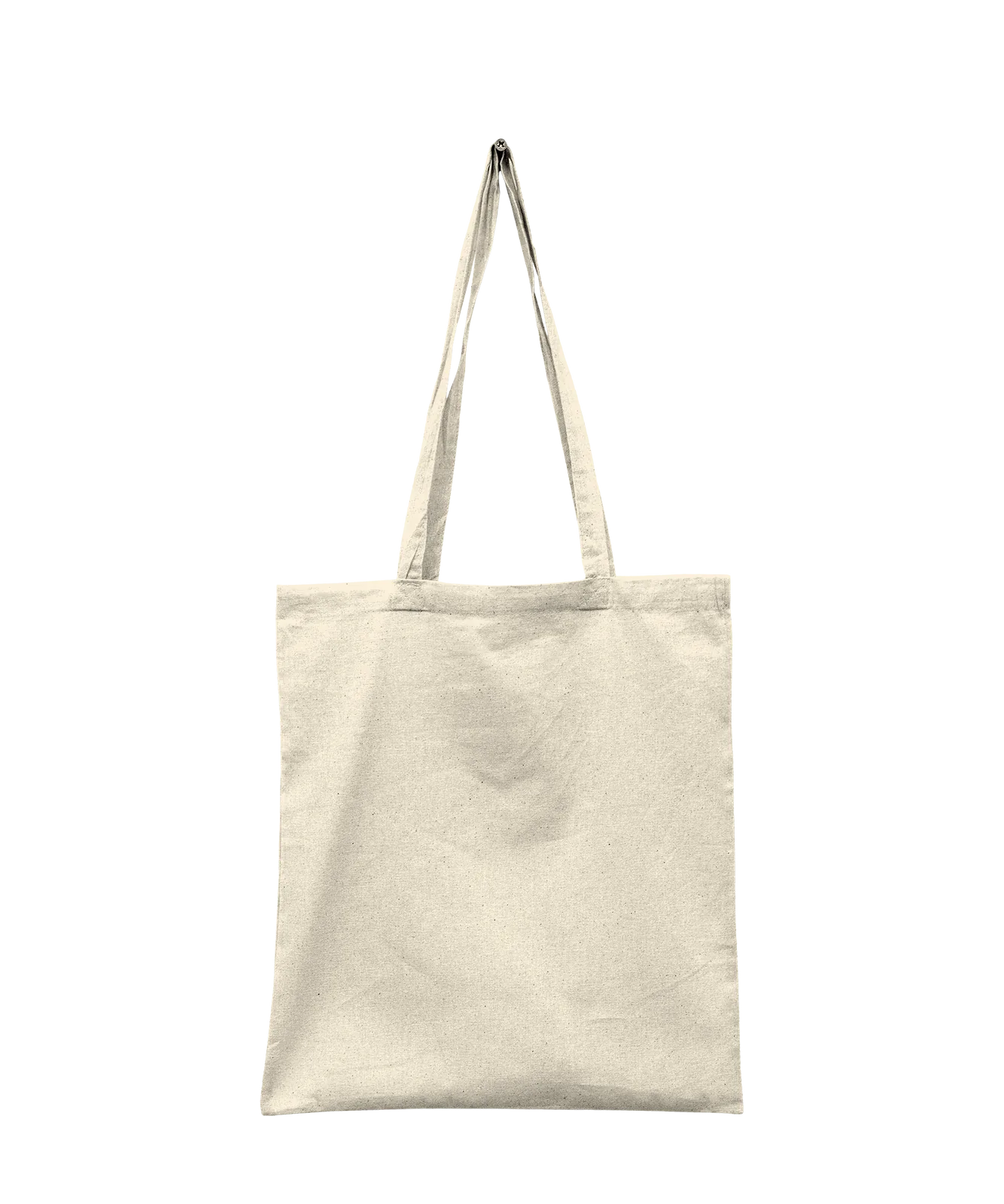
Both sides of a tote bag, in every colour.
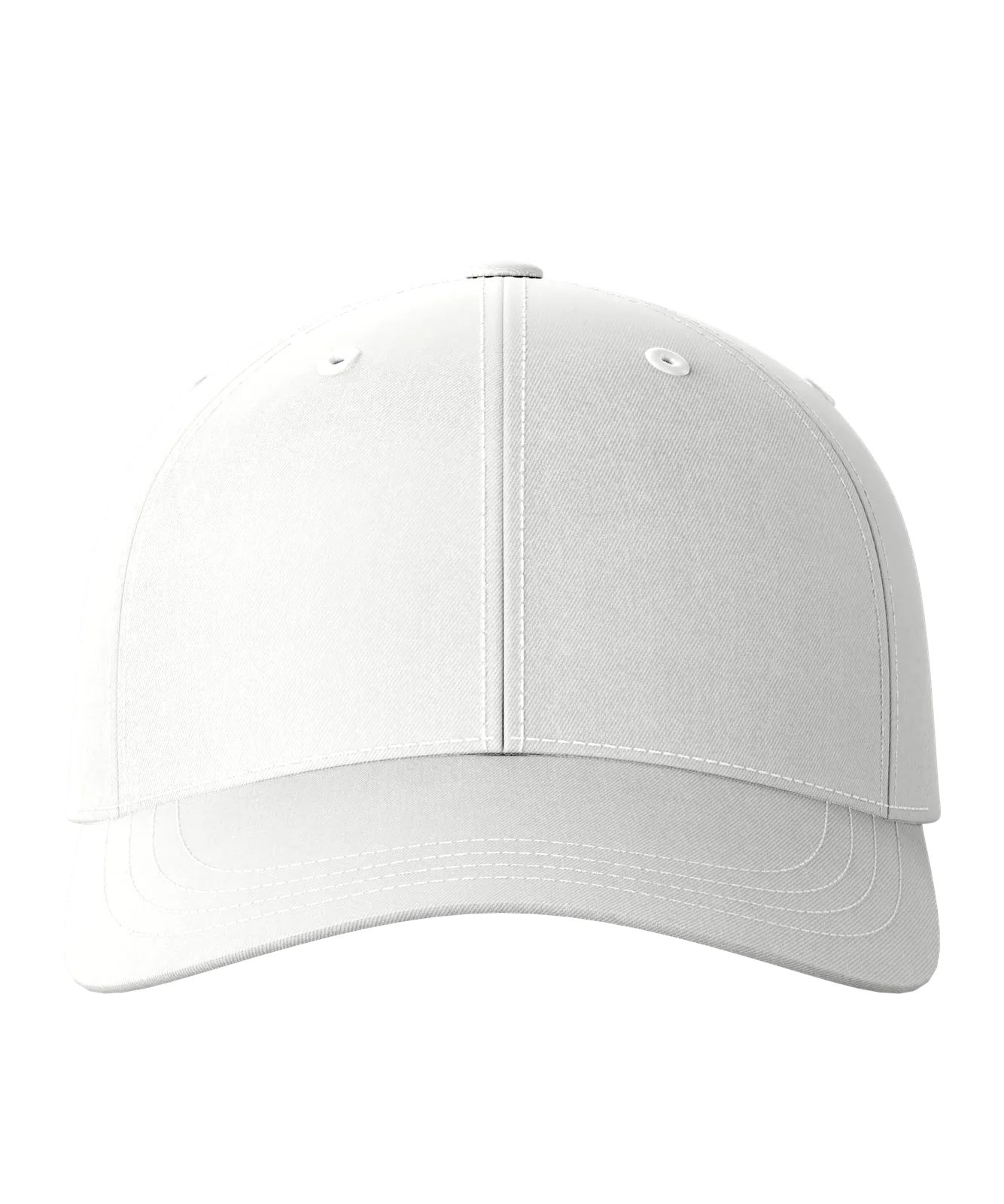
A logo or initials on the front of a cap.
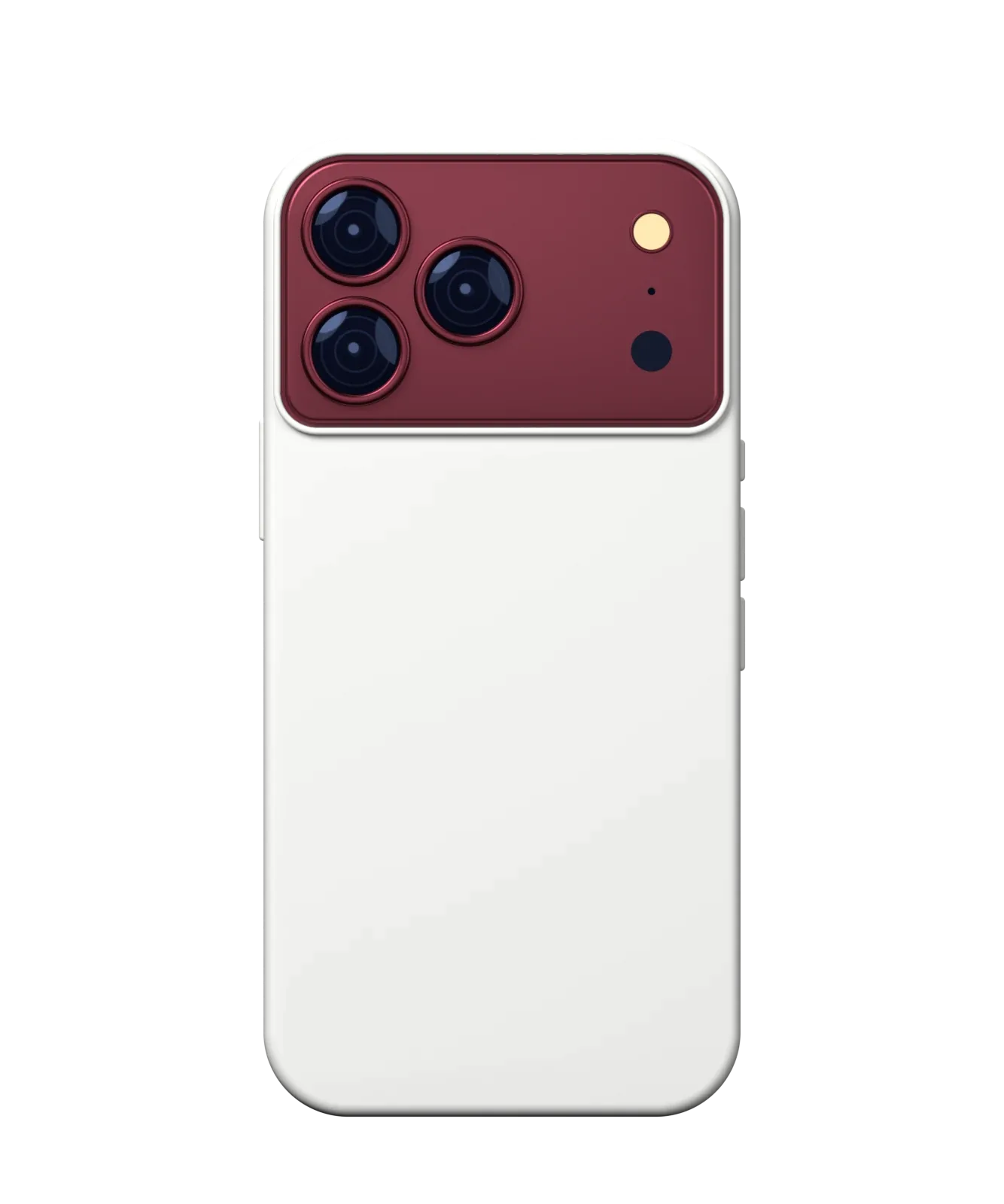
A design on the back of a phone case, below its camera.
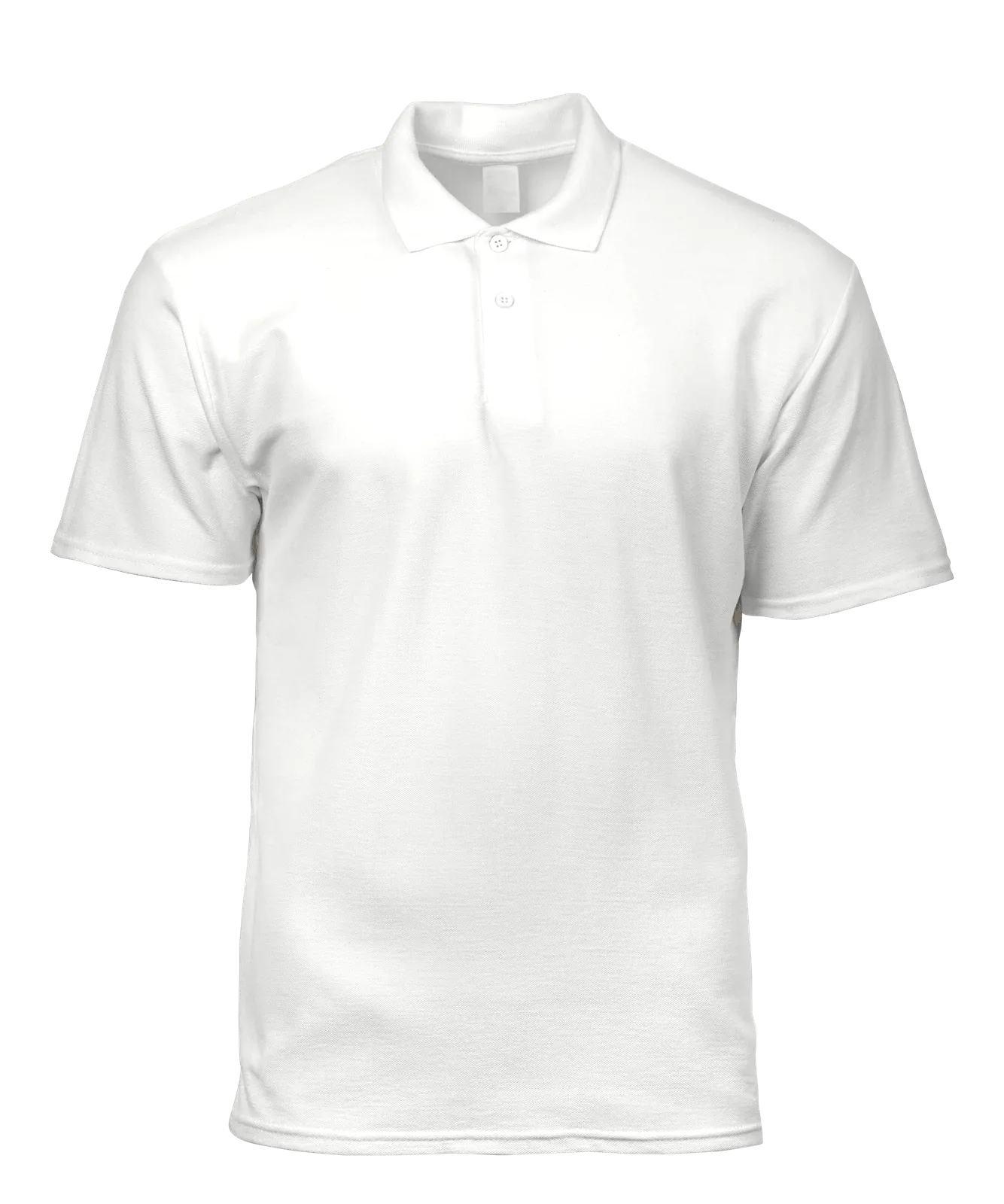
A logo on the chest and a design on the back.
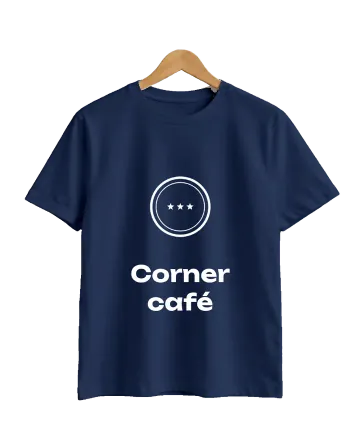
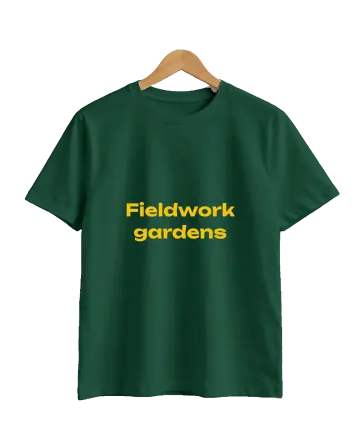
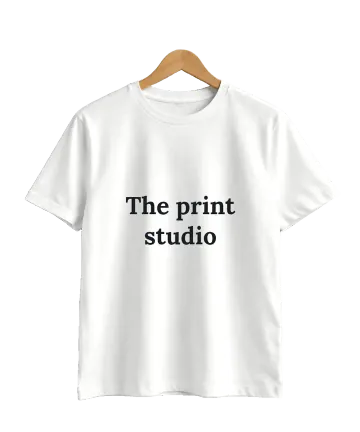
A customer’s design added to the cart, and the print file your shop would receive.
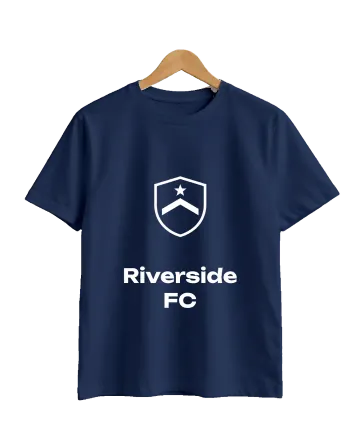
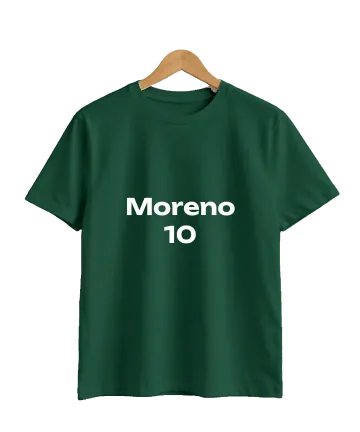
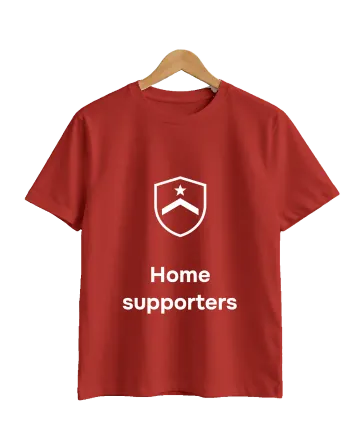
Each player’s name and number on a dark shirt, in an ink that stays readable.
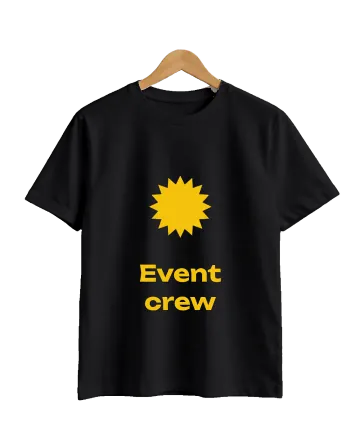
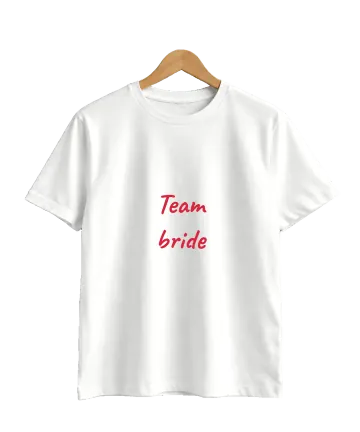
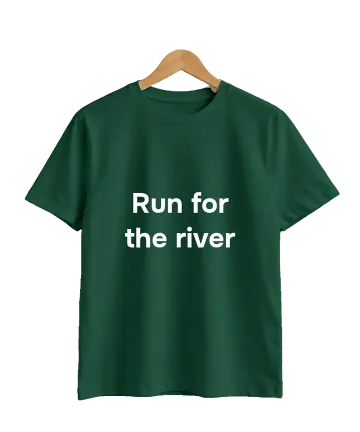
The event on the front, more on the back, each printed side added to the price.
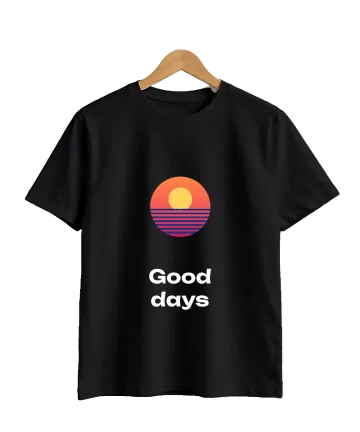
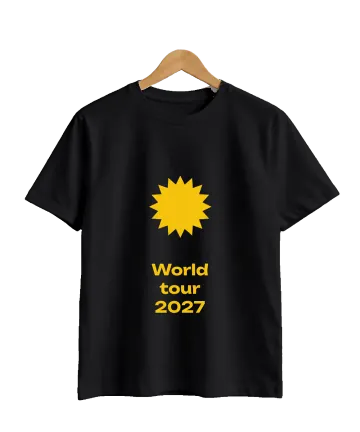
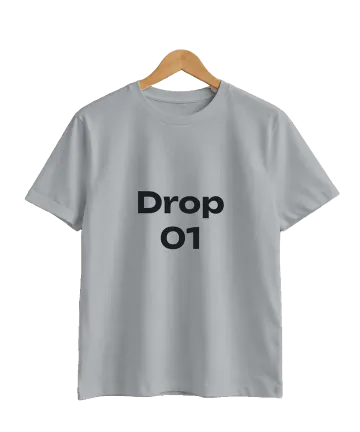
A merch design printed on the shirt and turned round in 3D.

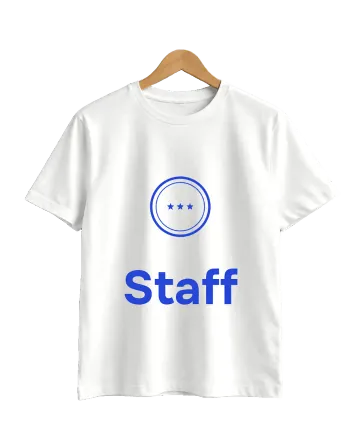
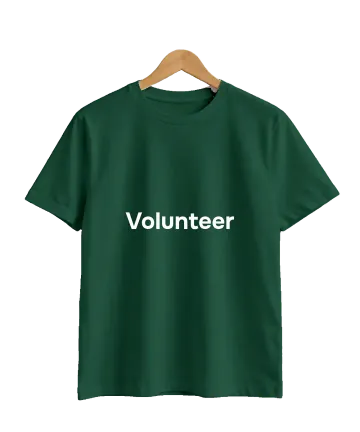
The group’s name typed straight on the shirt, in a font and an ink of your choice.
A photo or a name on a mug, and the print file of each side.
A logo or initials on the front of a cap, in every colour.
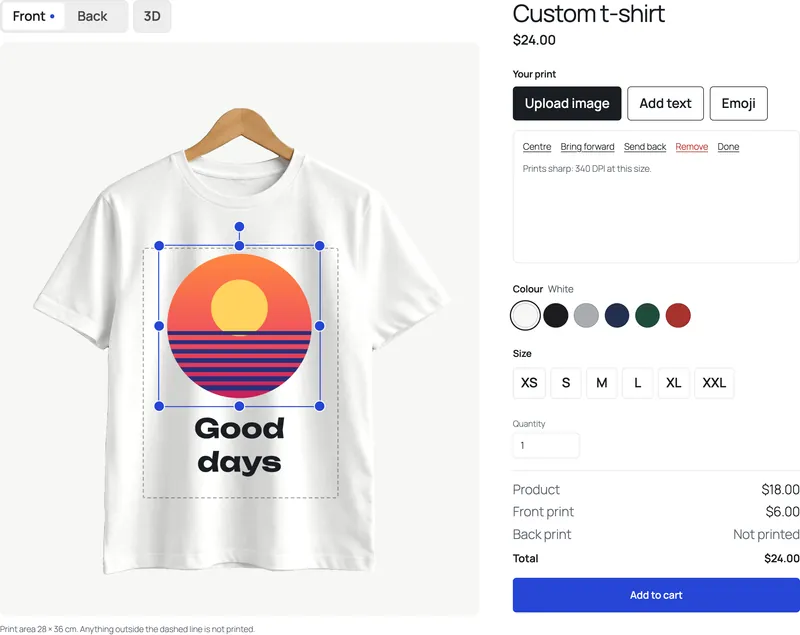
Free
The designer as a customer meets it: upload an image, add text, then choose a colour and a size.
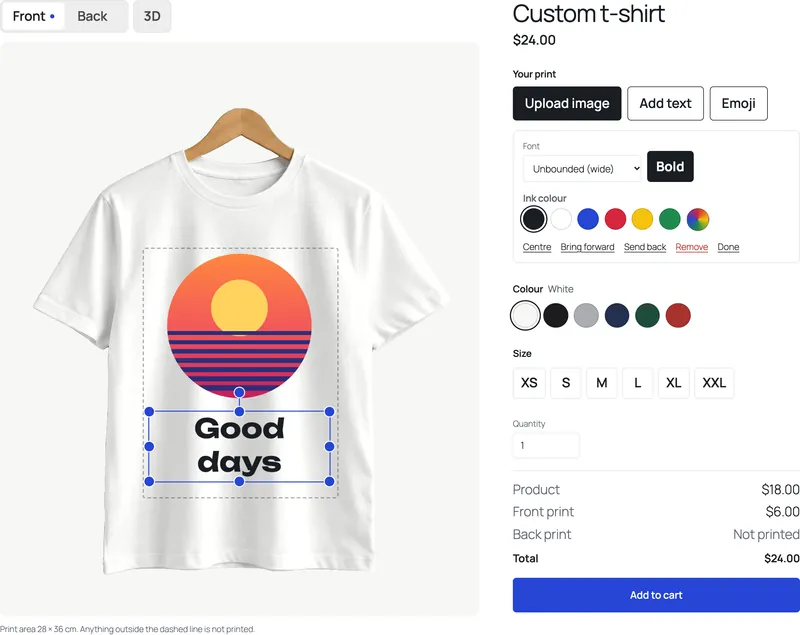
Free
Type on the shirt itself, then change the font, bold and the ink colour.
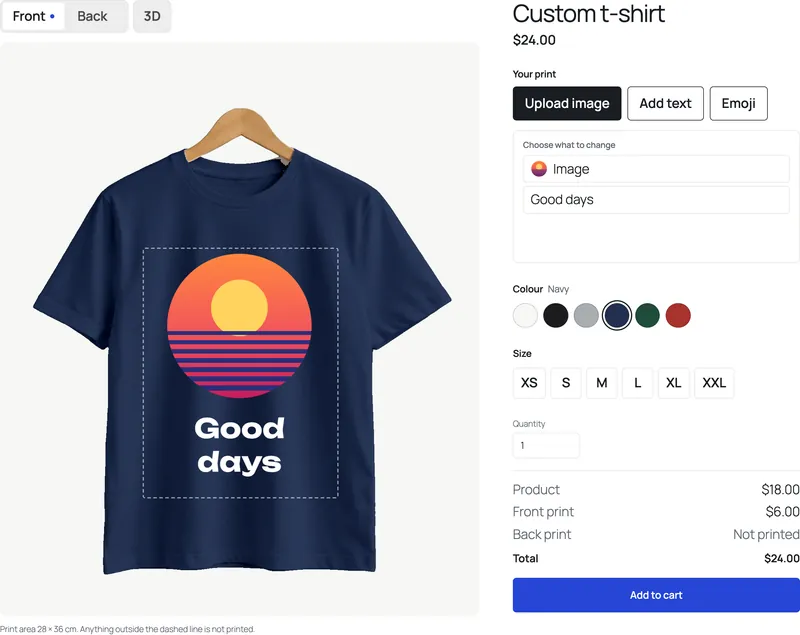
Free
A team name and number on a navy shirt, in an ink that follows the shirt’s colour.
Free
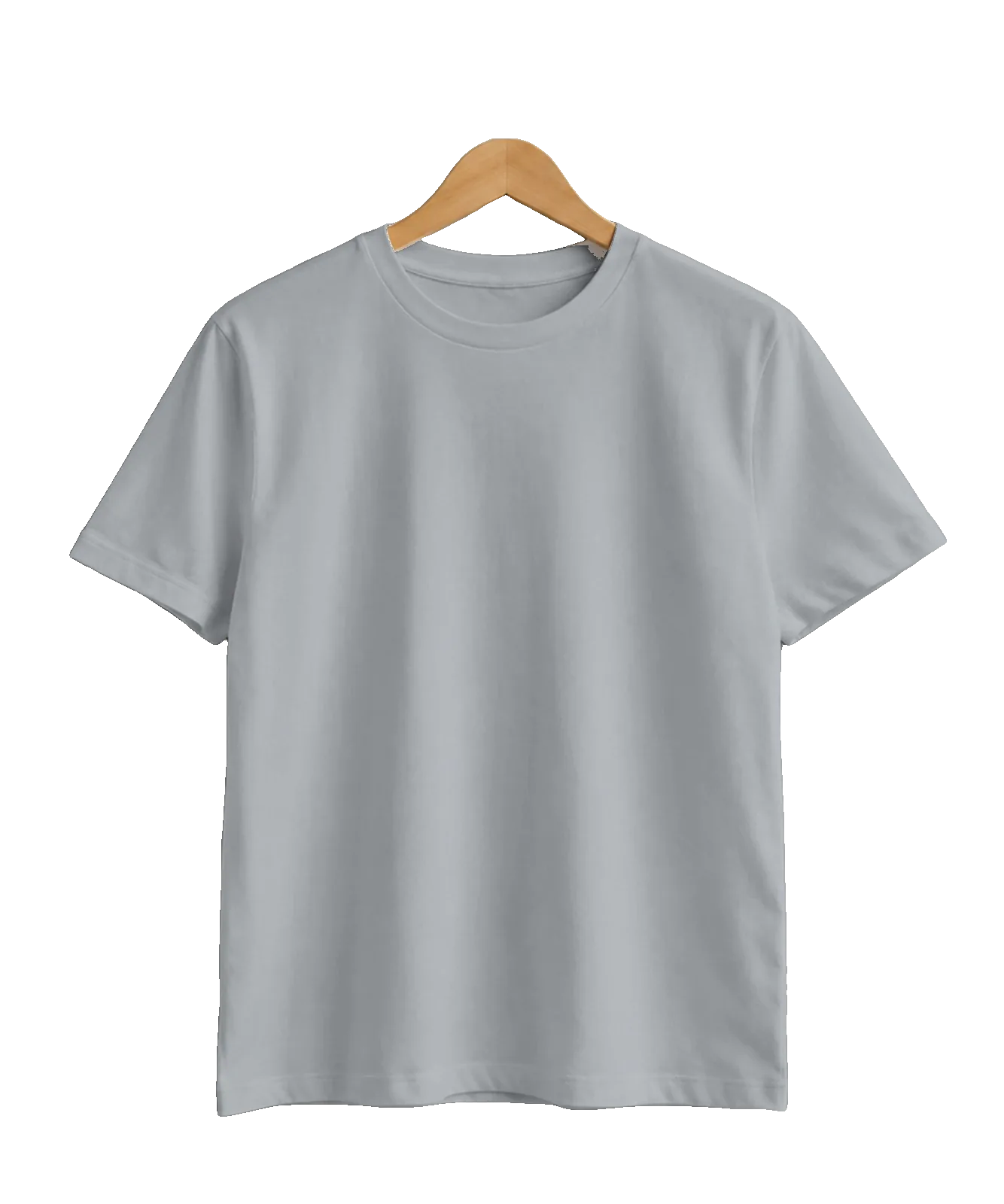
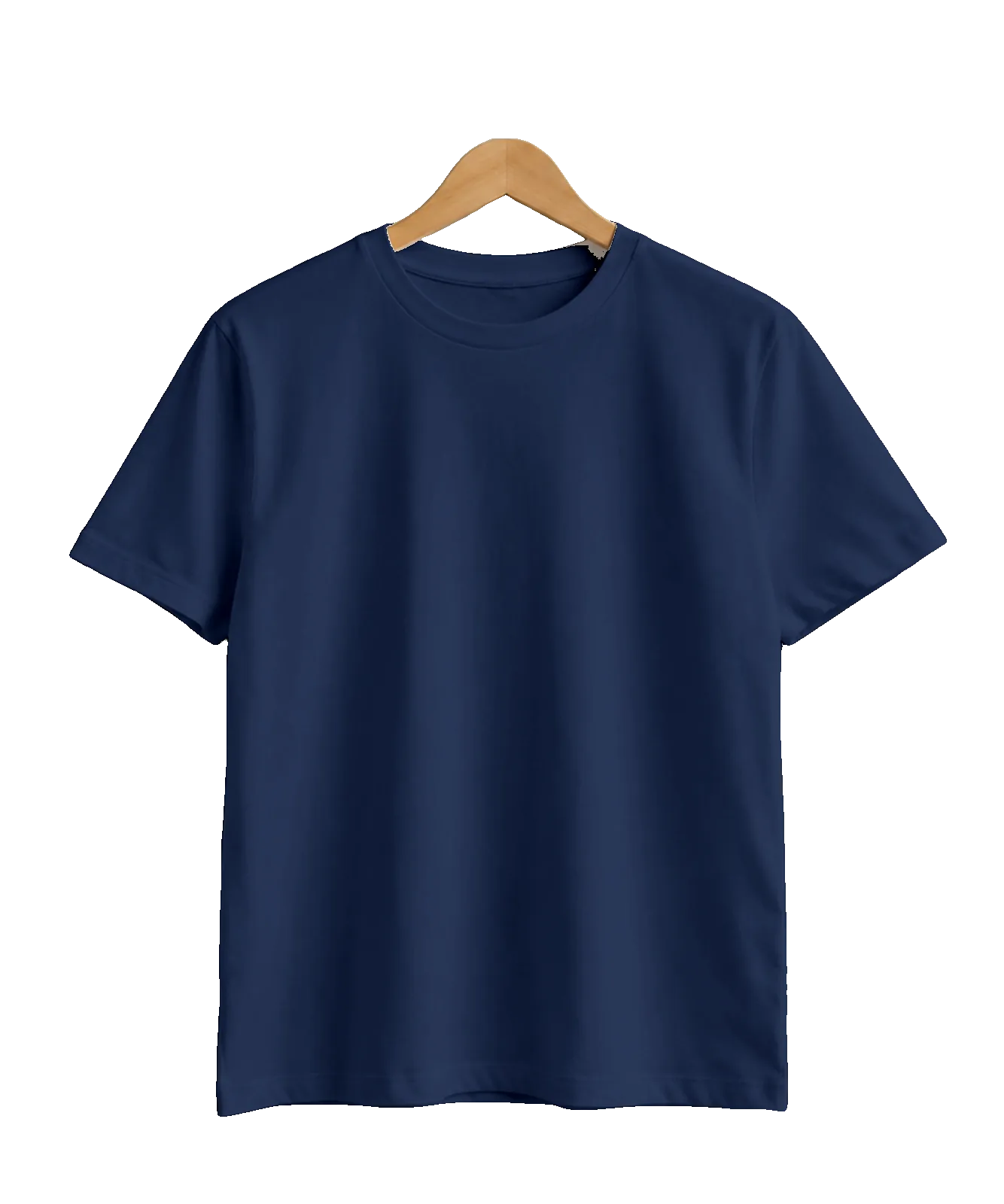
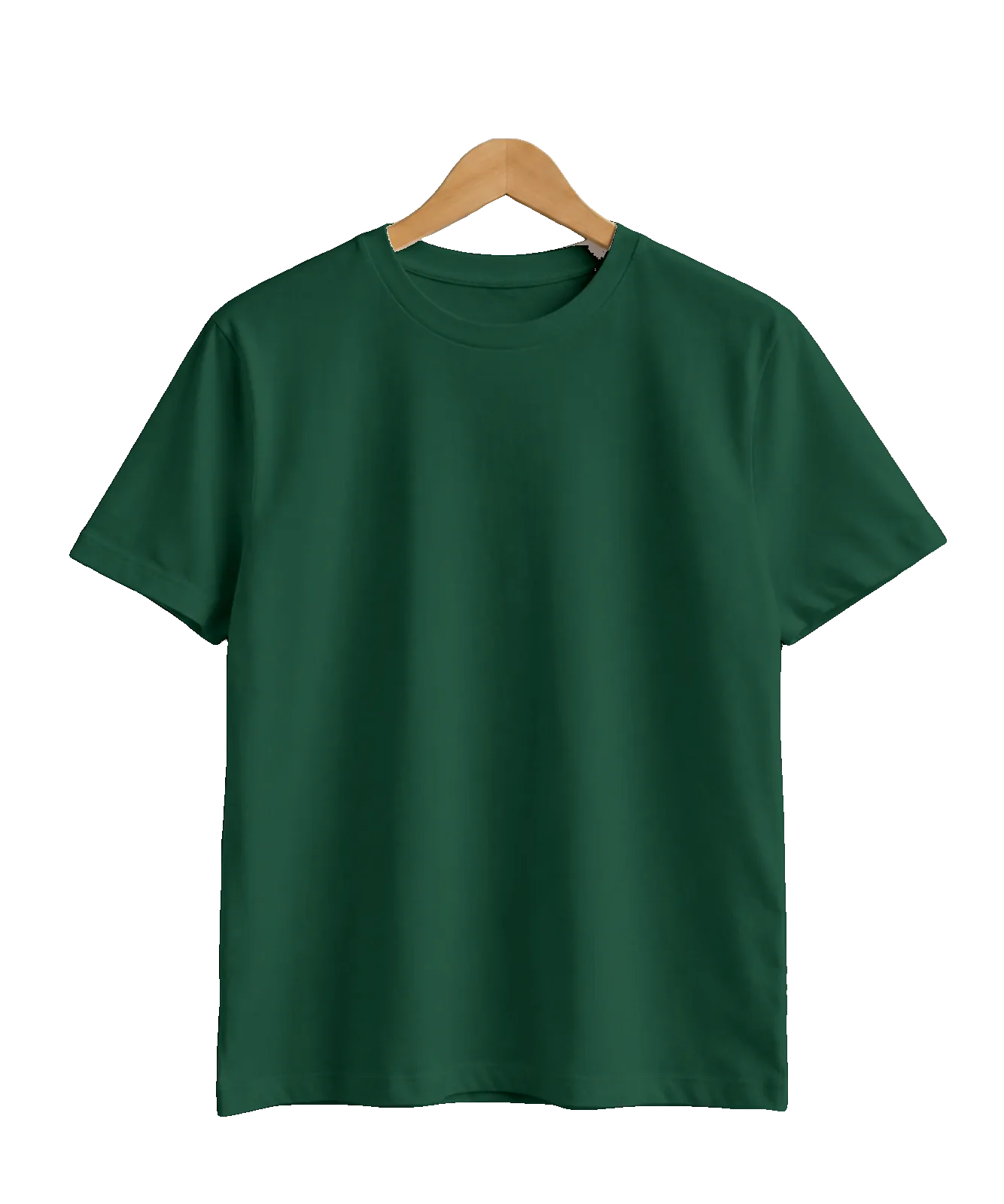
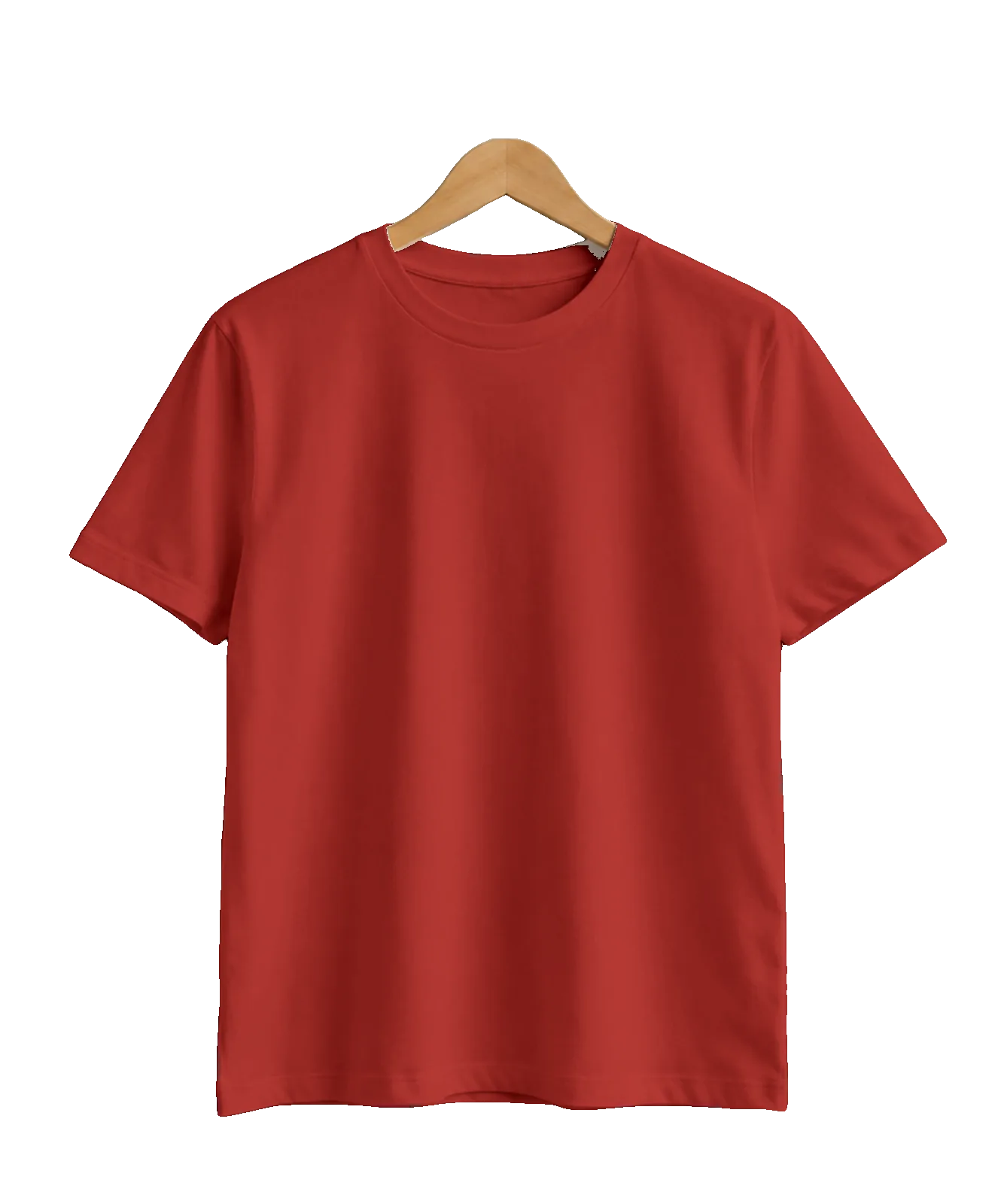
Every colour of the shirt is one white photo, recoloured in your browser with its folds kept.
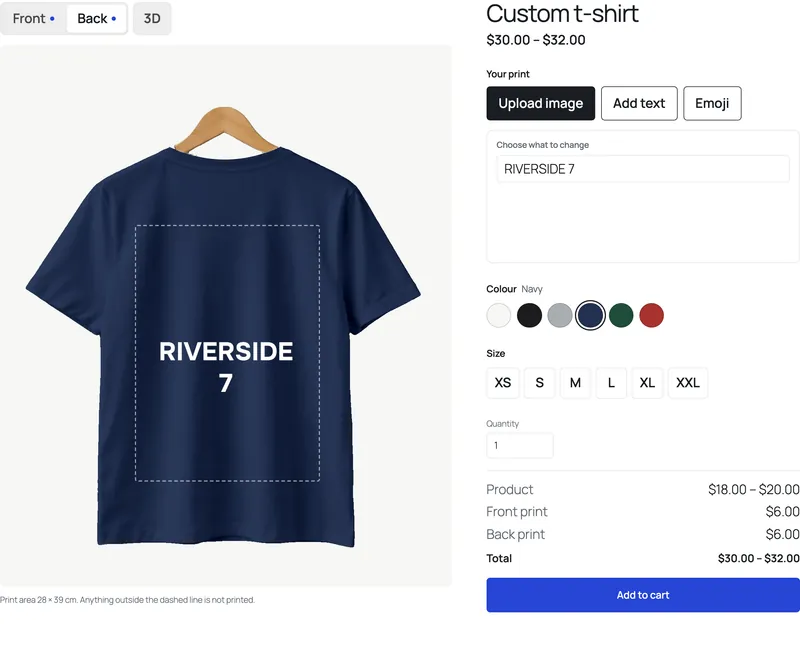
PrintBlob Pro
A design on the front and one on the back, each side with its own print price.
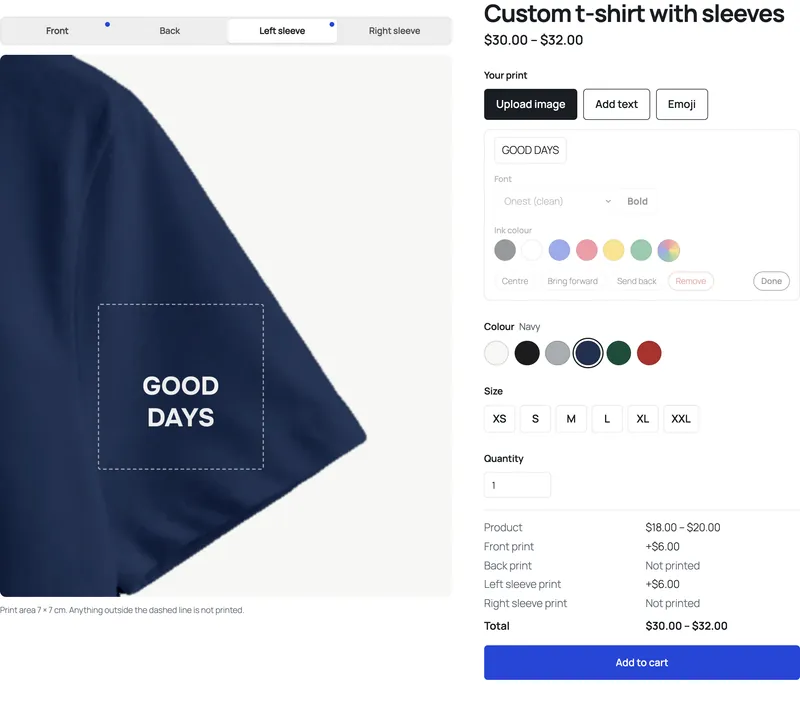
PrintBlob Pro
A t-shirt printed on the front, the back and both sleeves, each side with its own print area and price.
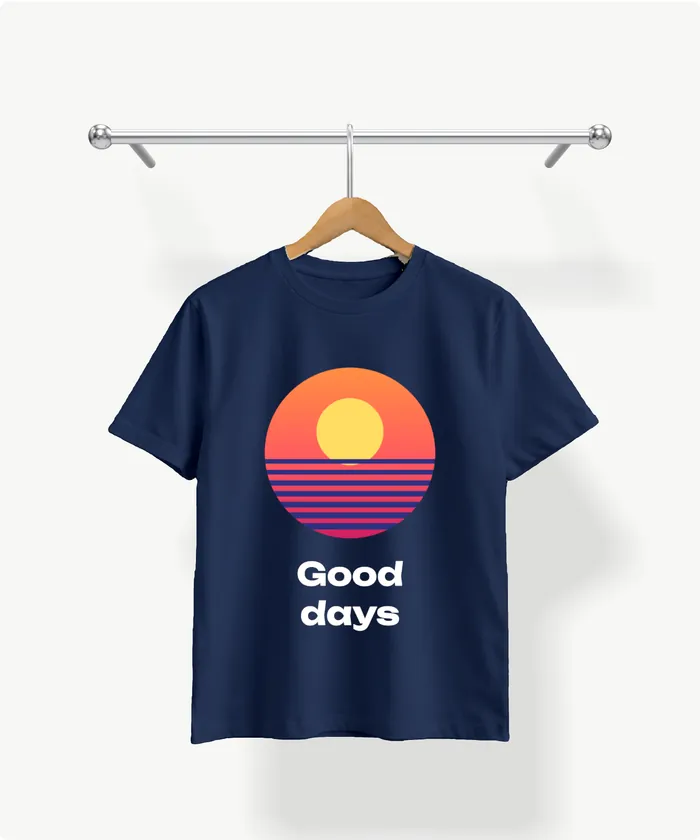
PrintBlob Pro
Turn the shirt round in 3D, with the design printed on it.
Free, with more in PrintBlob Pro
Add to cart, then download the 300 DPI print file a shop would get with the order.
What each feature does, free or Pro, is under features; the shops PrintBlob is for under situations. To try a whole t-shirt shop with PrintBlob, your own copy on InstaWP, open the free t-shirt shop theme.
PrintBlob is free in the WordPress.org plugin directory: install it, turn the designer on for a product and take a design order. PrintBlob Pro is $99 once for a lifetime licence (limited-time offer until 31 December 2026) or $69 for the first year (limited-time offer until 31 December 2026), then $99 a year, with a full refund within 14 days.