Free custom t-shirt designer for WooCommerce
The t-shirt comes with the free plugin: customers design the front, in every colour you sell, with no watermark.
Free, with more in PrintBlob Pro
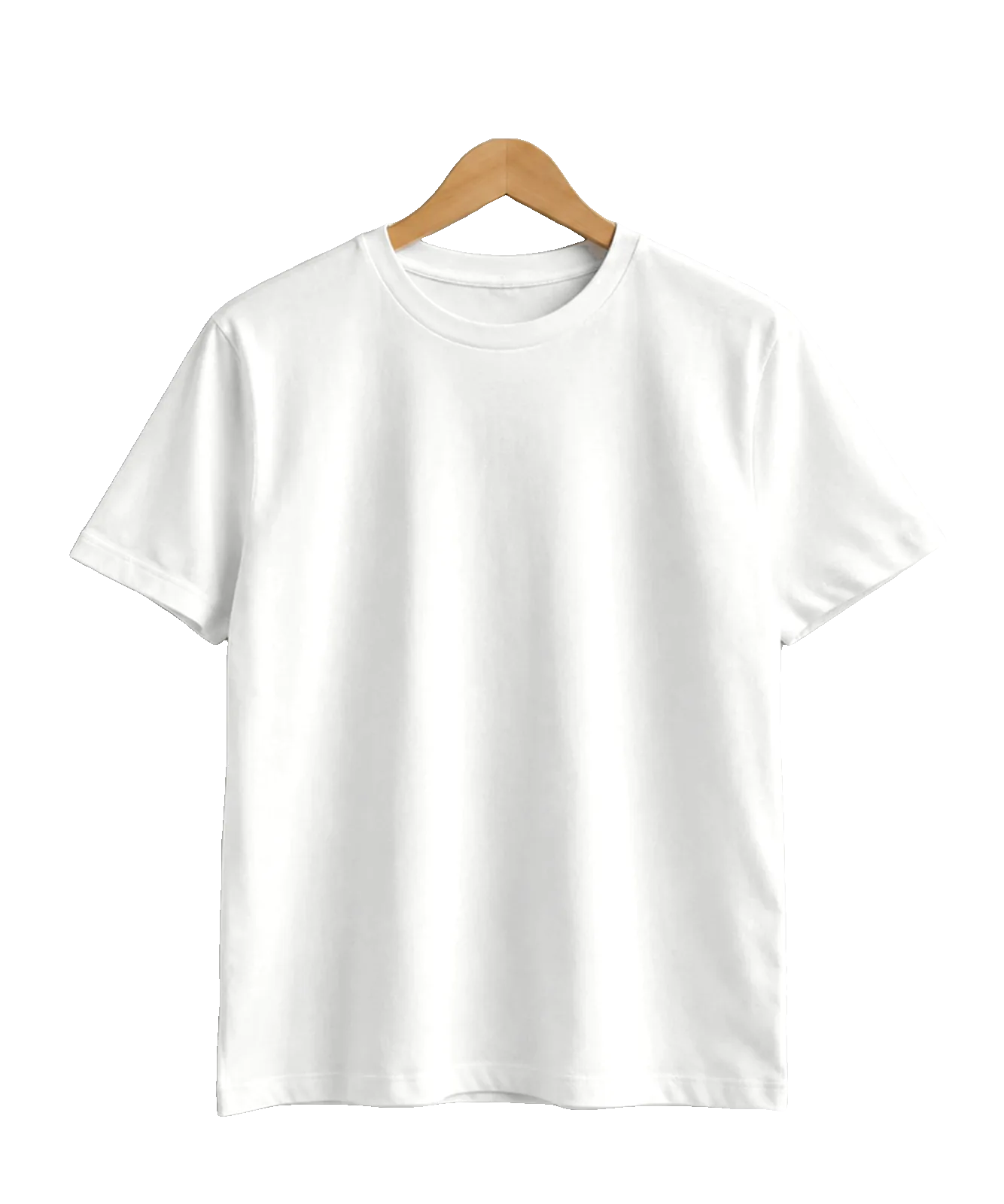
PrintBlob is a free t-shirt designer for WooCommerce: it comes with a t-shirt photo, and customers place photos, logos and text on the front, on the product page, in every colour you sell. Each order brings the front as a 300 DPI PNG, a PDF and an SVG at 28 × 36 cm. Printing on the back and the sleeves and the 3D view are PrintBlob Pro, $99 once for a lifetime licence (limited-time offer until 31 December 2026) or $69 for the first year (limited-time offer until 31 December 2026), then $99 a year.
- Printed sides
- Front, Back
- Front print size
- 11 × 14.2 in (28 × 36 cm)
- Print file
- 3307 × 4252 pixels
- Colours
- 6, from one photo
- 3D view
- Turn it in 3D
Published , updated , by the PrintBlob team.
Design a t-shirt in the live designer
This is PrintBlob's designer, running the plugin's own code on the t-shirt it comes with. The front is free; printing on the back and the 3D button are PrintBlob Pro. Upload an image, add text, pick a colour and size, then press Add to cart: instead of a cart, you get the print files your shop would receive.
Your own copy of a ready t-shirt shop on InstaWP, with WooCommerce, PrintBlob and the free t-shirt shop theme, signed in and free for 4 hours. InstaWP asks for your email, and the shop’s Make it yours button keeps it in an InstaWP account of your own, on an InstaWP plan you choose.
Loading the designer…
Print area 28 × 36 cm. Anything outside the dashed line is not printed.Print area 28 × 36 cm.
Custom t-shirt
$24.00
Your print
Upload an image or add text to start.
- Product
- $18.00
- Front print
- +$6.00Not printed
- Back print
- +$6.00Not printed
- Total
- $24.00
About 186 KB to download.
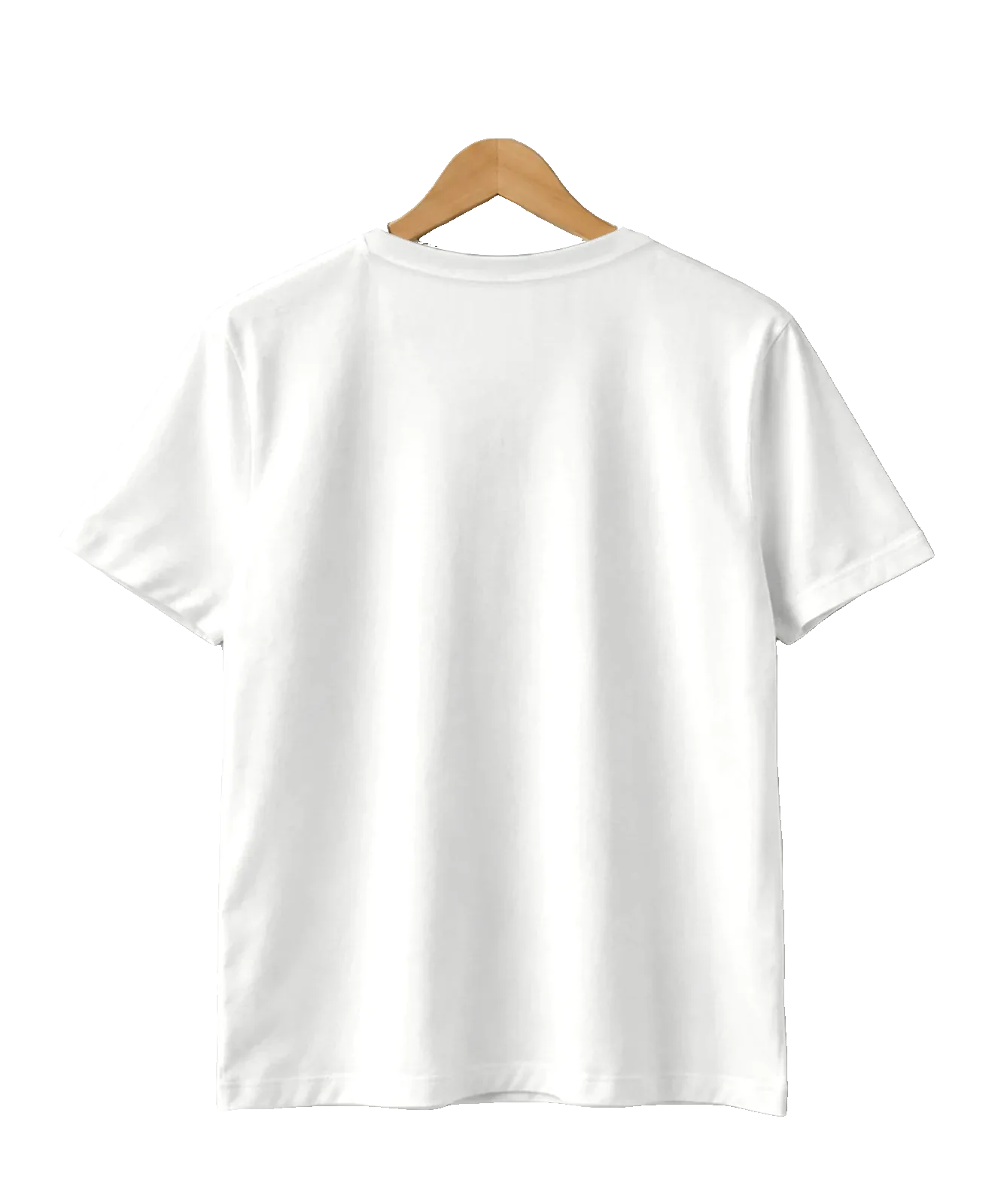
What customers print on a t-shirt
Each side of the t-shirt is its own print area, with its own photo and print price. A design is made at the size below, and PrintBlob Pro makes each printed side a transparent PNG at 300 DPI, a vector PDF and an SVG at that exact size, and a CMYK PDF through your printer's ICC profile.
| Side | Placement | Design size | Print file at 300 DPI |
|---|---|---|---|
| Front | Full front | 11 × 14.2 in (28 × 36 cm) | 3307 × 4252 pixels |
| Back | Full back | 11 × 15.4 in (28 × 39 cm) | 3307 × 4606 pixels |
What else PrintBlob does
Every feature has its own page, with what it does and how to set it up.
Print files and print queue
A 300 DPI PNG, a vector PDF and an SVG at the exact print size, and CMYK PDFs with PrintBlob Pro.
Free, with more in PrintBlob Pro


Fonts
Four fonts included. Add your theme’s, your own and Google Fonts with PrintBlob Pro.
Free, with more in PrintBlob Pro
How do I sell a custom t-shirt with PrintBlob?
- Install PrintBlob. Add the free plugin to your WooCommerce shop. It needs no account and no service of ours.
- Run Quick setup. PrintBlob › Quick setup makes a t-shirt product from the photo it comes with, with its colours, sizes and starting price.
- Turn the designer on. Quick setup turns it on for that product. For another product, tick Designer in its PrintBlob designer tab.
- The customer designs and orders. They upload a photo or type text on the shirt, see whether the photo prints sharply at that size, and add it to the cart. The front's files are made at that moment.
- Print the order. Open the order: the front's PNG, PDF and SVG are on it, at the print area's exact size.
What does the customer do on a t-shirt?
- Place photos, logos and text. Customers upload PNG, JPEG or WebP images and type their text straight onto the shirt, then move, turn and resize them inside the print area.
- See it in every colour you sell. One white photo is recoloured in the browser to each colour, its folds and shading kept.
- Know it will print sharply. While a photo is placed, the designer works out its resolution at that size and warns below 150 DPI.
- Add it to the cart. The design stays with the order, and the shop never asks for artwork by email.
Which print files does a t-shirt order bring?
| File | What it is | Free plugin | PrintBlob Pro |
|---|---|---|---|
| PNG | Transparent, 300 DPI, at the print area’s exact size | The front | Every printed side |
| Vector, at the exact print size, text as outlines | The front | Every printed side | |
| SVG | Vector, at the exact print size | The front | Every printed side |
| CMYK PDF | Through your printer’s ICC profile | — | Every printed side |
| Customer’s original | The image as the customer uploaded it | — | Yes |
The files are made when the shirt is added to the cart. The sizes printers publish for each placement are in the t-shirt design size guide.
A shop to start from
No shop yet? The free t-shirt shop theme is a whole WooCommerce shop with this designer set up, and the free t-shirt mockup generator makes pictures of a design on the shirt, in any colour, without a shop.
What the free plugin does not do for a t-shirt
The free plugin designs on the front of the t-shirt it comes with. Printing on the back and the sleeves, your own photos, the 3D view, the print queue and your own fonts are PrintBlob Pro. Free and Pro compared.
Sources
- What PrintBlob does: PrintBlob’s and PrintBlob Pro’s code and their plans.
- T-shirt print sizes: t-shirt design size, from printers’ published placements.
Free or Pro?
- Free The designer on the product page or any page: photos, logos and text, moved, resized and rotated on the product.
- Free Text typed on the product, in four bundled fonts.
- Free Front printing on the product that comes with PrintBlob, with its own print price.
- Free No watermark, ever, and no limit on designs or orders.
- Free Every colour of the product from one photo, and the Colours block.
- Free A warning when a customer’s image is too small to print sharply.
- Free Print-ready files of every order’s front: a transparent 300 DPI PNG, a vector PDF and an SVG at the exact print size, made as the design is added to the cart.
- Pro Back printing, with its own photo, print area and price.
- Pro A 3D view of the product, made from its own photos.
- Pro Sleeve printing, with their own photos, print areas and prices.
Questions
Is the t-shirt designer really free?
Yes. PrintBlob is free on WordPress.org, with no watermark, ever, no limit on orders and no fee per order. Customers design the front of the t-shirt it comes with, and every order brings the front's print files.
What size is the front's print file?
28 × 36 cm, which is 3307 × 4252 pixels at 300 DPI. PrintBlob Pro's back is 28 × 39 cm.
Can customers print on the back and the sleeves?
With PrintBlob Pro, $99 once for a lifetime licence (limited-time offer until 31 December 2026) or $69 for the first year (limited-time offer until 31 December 2026), then $99 a year. Each side has its own print area, print price and files.
Can I use my own t-shirt photo?
With PrintBlob Pro's mockup editor. The free plugin designs on the t-shirt it comes with, recoloured to every colour you sell.
Does it warn when a customer's photo is too small?
Yes. While a photo is placed, the designer shows its resolution at the size it is placed and warns below 150 DPI, before the order. It warns; it does not stop the order.
Other products
Set it up
Guides
Start free, add Pro when you need it
Pro adds back printing, a 3D view, a production print queue, CMYK PDFs and the print files of earlier orders to the free designer. Paid with Stripe in US dollars, no tax added; one domain per licence.
Free no card, no account
Download PrintBlob freeNo watermark, ever
Limited-time offer until 31 December 2026
Regular price $99$69 for the first year, then $99 a yearFull refund within 14 days
Limited-time offer until 31 December 2026
$99 once
Full refund within 14 days
Try it on your own shop
PrintBlob is free in the WordPress.org plugin directory: install it, turn the designer on for a product and take a design order. PrintBlob Pro is $99 once for a lifetime licence (limited-time offer until 31 December 2026) or $69 for the first year (limited-time offer until 31 December 2026), then $99 a year, with a full refund within 14 days.
PrintBlob is made and sold by microcompanies, LLC. About us, support, questions, terms, refunds, privacy, support@printblob.com.