From an idea to a file you can print
What your customer does in the shop, and what you find in the order.
They upload a photo or logo
PNG, JPG or WebP, onto the product. PrintBlob works out the DPI it prints at, at the size they place it, and below 150 DPI warns that it may print blurry. The warning does not block Add to cart.
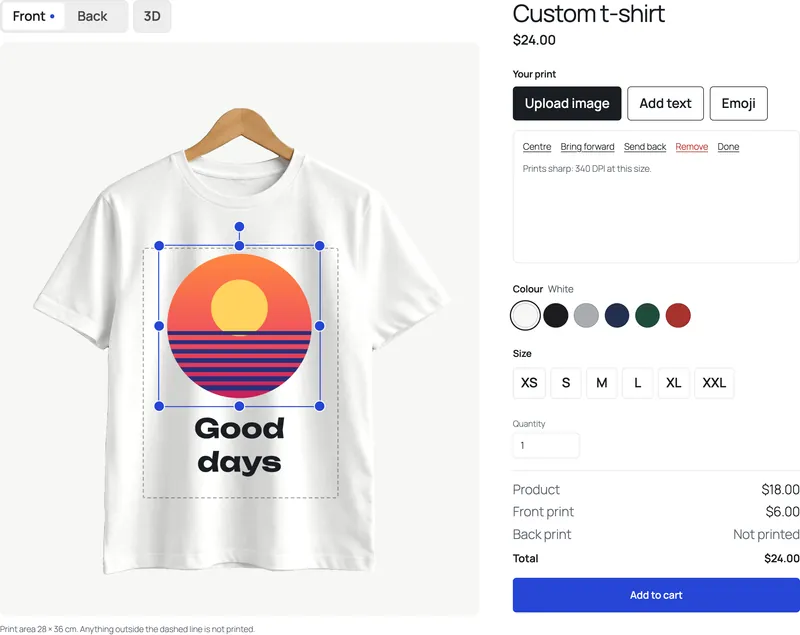
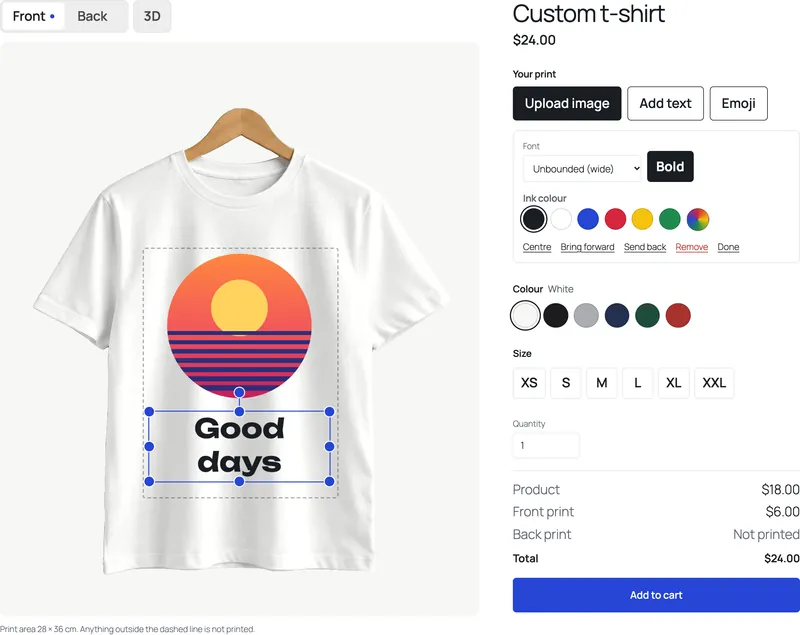
They place it and add text
Drag, resize and rotate with handles, on the front and the back. Text comes in the fonts you offer, with ink colours that stay readable on the shirt.
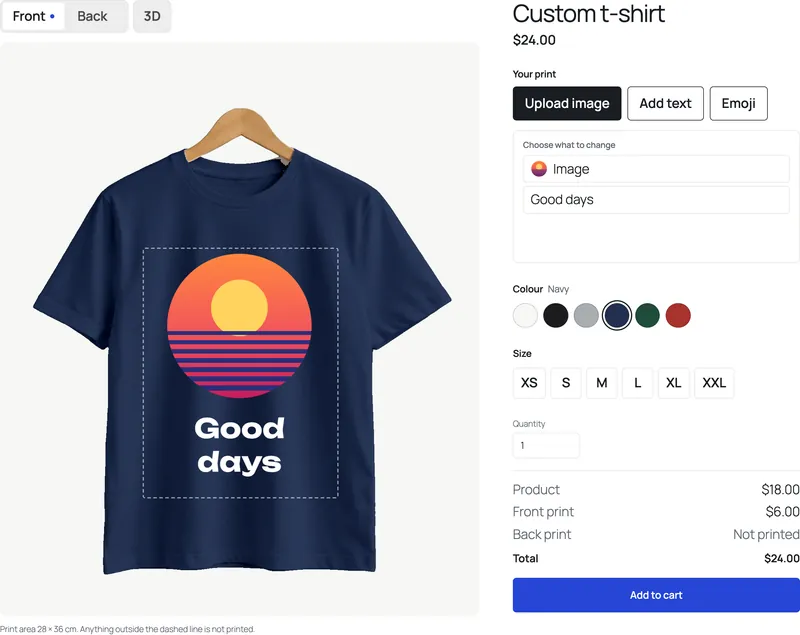
They choose colour and size
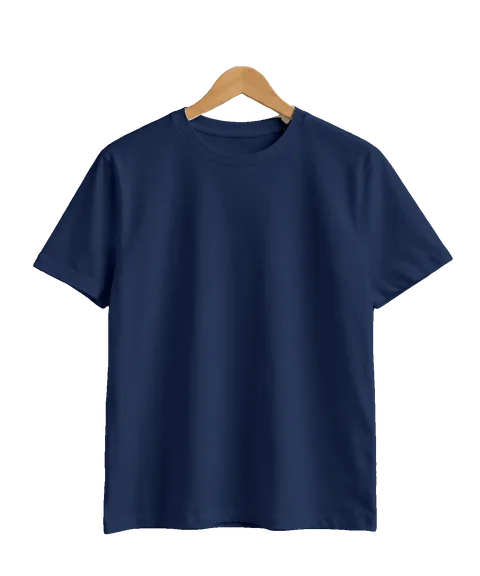
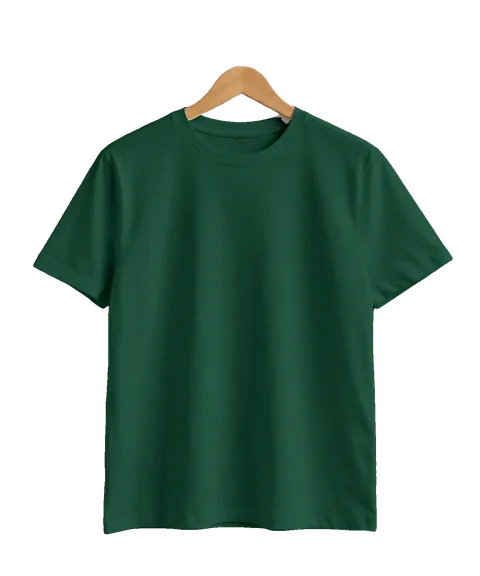
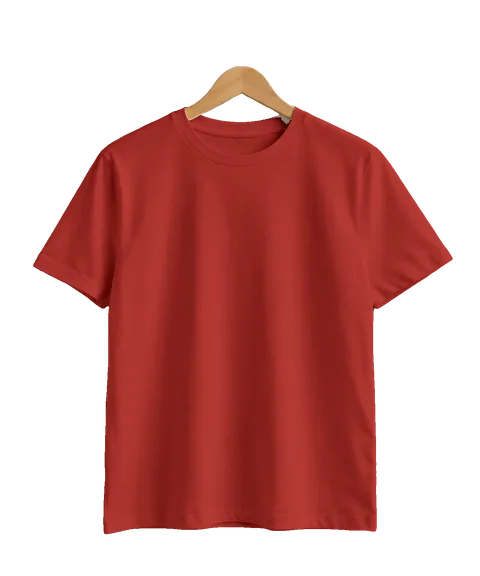
The photo changes to the colour they pick, folds and shading included. The price adds each printed side as they go.
Add to cart renders the print files
PrintBlob keeps the design and its preview with the order, and the browser draws every printed side as a transparent PNG at the exact print size (the front’s in the free plugin, every other side’s with PrintBlob Pro): 28 × 36 cm at 300 DPI is 3307 × 4252 pixels. A vector PDF and an SVG of the same size come with it.
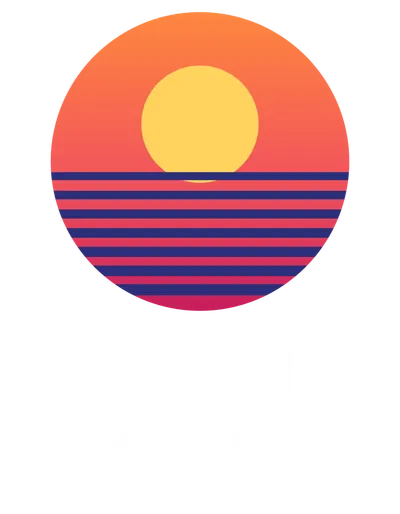
You open the order and download it
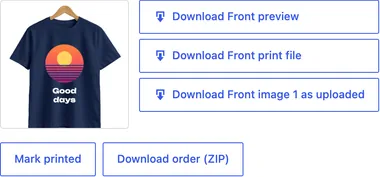
Each designed item shows a preview per side, its print files (the front’s in the free plugin, every other side’s with PrintBlob Pro) and, with PrintBlob Pro, the customer’s original images. Files are kept out of public reach, for your shop only.